
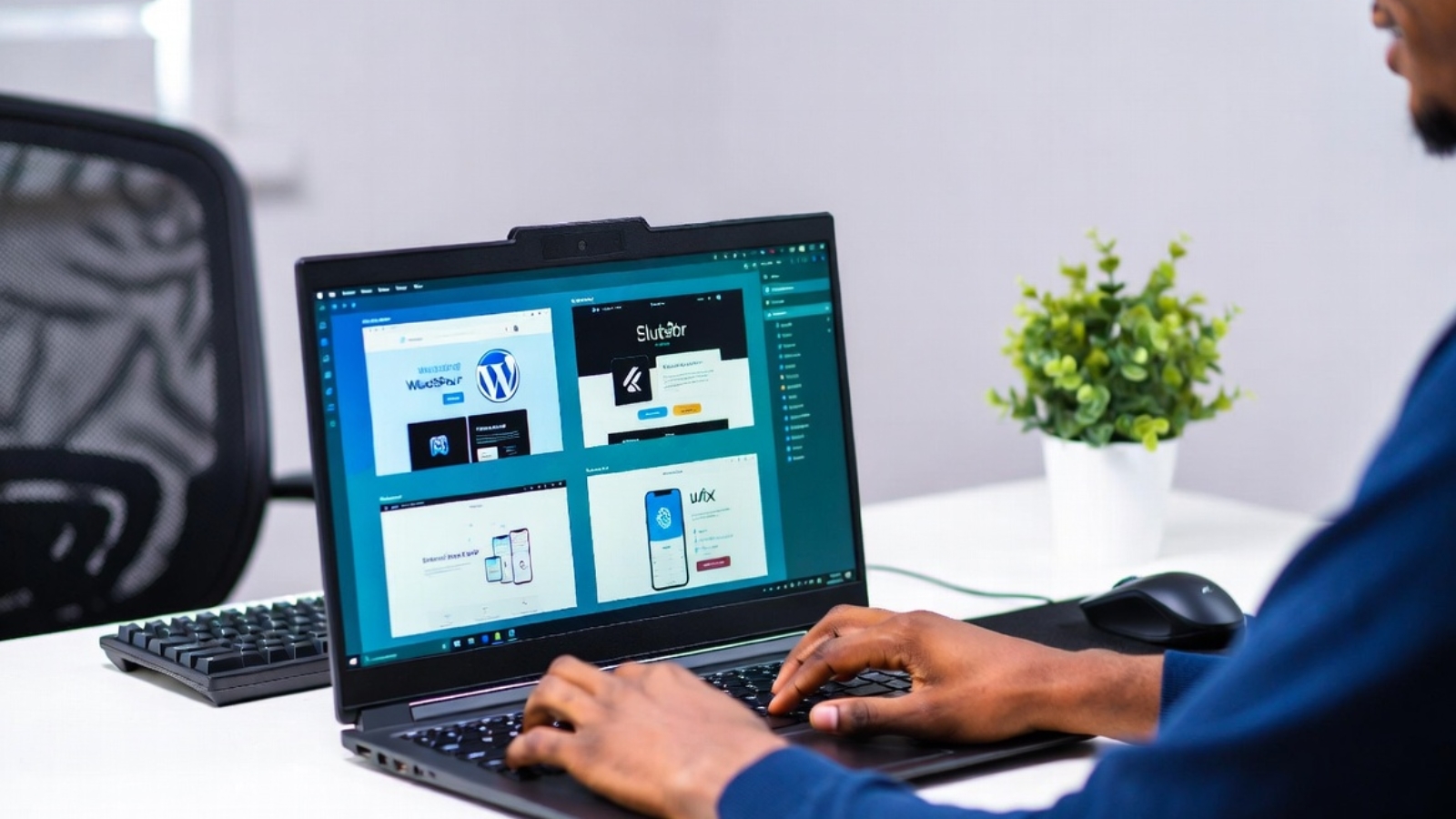
How to Choose a Freelance Web Developer in 2026: 10 Essential Tips

How to Choose a Freelance Web Developer in 2026: 10 Essential Tips

Hiring the right freelance web developer can make or break your project. In 2026, with so many options and AI tools available, knowing what to look for is more important than ever.

As Syed Aoun Raza, a freelance developer specializing in WordPress, Wix Velo, WooCommerce, and Flutter, I’ve seen both successful partnerships and costly mistakes. Here’s practical advice to help you choose wisely.

1. Define Your Project Clearly First Before contacting anyone, write down your goals, target audience, must-have features, and budget. This helps freelancers give accurate quotes and timelines.

2. Check Real Experience & Portfolio Look for developers who have worked on similar projects. For example, if you need a booking system, check for tourism or restaurant sites. Don’t just look at pretty designs — ask about results (speed, SEO performance, lead generation).

3. Verify Technical Skills

  • For WordPress/WooCommerce: Ask about custom plugins, performance optimization, and security.
  • For Wix: Inquire about Velo custom coding.
  • For mobile: Confirm Flutter or React Native experience.

4. Communication & Process Good freelancers respond quickly, ask clarifying questions, and explain things clearly. They should provide a clear scope, milestones, and revision process.

5. Pricing Transparency Beware of extremely low prices — they often lead to hidden costs later. Expect detailed breakdowns rather than vague estimates. In 2026, realistic budgets for professional sites start from a few thousand dollars depending on complexity.

6. Ask for References or Case Studies Request examples of completed projects and, if possible, client feedback. I always share real case studies from Aruba tourism booking sites and Danish restaurant migrations.

7. Understand Maintenance & Support A good developer offers post-launch support, updates, and training so you can manage the site.

8. Modern Optimization Knowledge The best developers in 2026 understand not just design and code, but also Core Web Vitals, schema markup, AEO (for AI answers), and GEO strategies for generative search visibility.

9. Contract & Payment Terms Use clear contracts with milestones and payments. Avoid large upfront payments — 30-50% deposit is common.

10. Trust Your Gut You should feel comfortable communicating with the developer. Long-term collaboration works best when there’s good chemistry.

Red Flags to Avoid

  • No portfolio or only generic templates.
  • Poor English/communication.
  • Promises of “guaranteed #1 ranking”.
  • No questions about your business goals.

Why Work with a Freelance Developer? You get personalized attention, faster delivery, and often better value compared to agencies. I focus on clean, fast, conversion-ready websites that perform well in both traditional and AI-powered search.

Conclusion Choosing the right freelance web developer in 2026 requires research, clear requirements, and attention to communication and expertise.

If you’re ready to move forward with your project, feel free to contact me. I’ll provide a honest scope and quote tailored to your needs — no pressure.
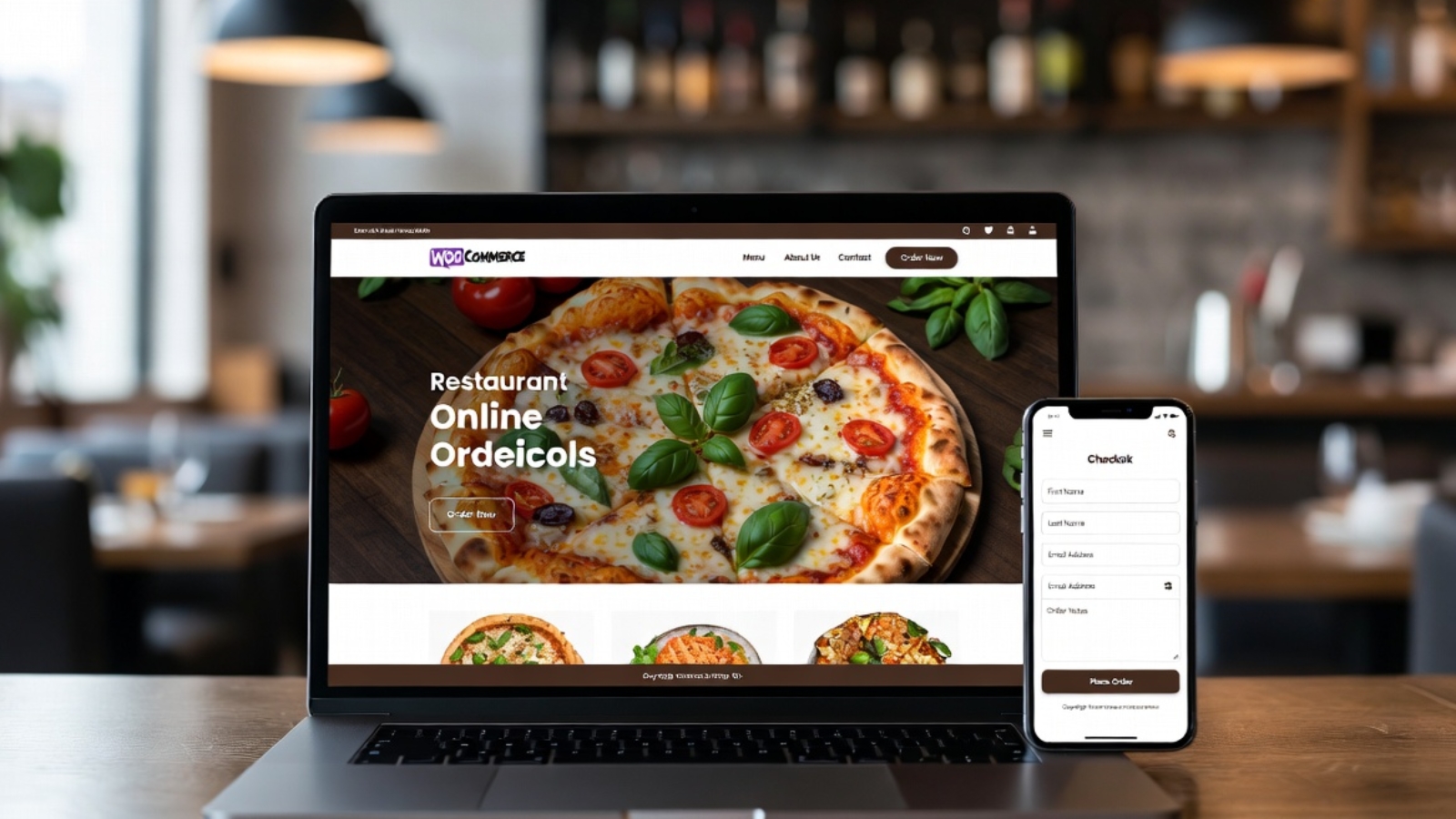
Wix Studio vs WordPress 2026: Which Is Better for Your Business Website?

Wix Studio vs WordPress 2026: Which Is Better for Your Business Website?

In 2026, choosing between Wix Studio and WordPress is one of the biggest decisions for businesses building or rebuilding their online presence. Both platforms have evolved significantly, but they serve different needs.

As Syed Aoun Raza, a freelance developer specializing in both Wix Velo custom coding and WordPress development, I’ve built websites on both for clients across the US, UK, EU, and beyond. This in-depth guide shares real-world experience to help you decide.

Quick Verdict

  • Choose Wix Studio for speed of launch, built-in tools, and designer-friendly workflows.
  • Choose WordPress for ultimate flexibility, SEO power, ownership, and scalability.

Let’s break it down in detail.

Platform Overview

Wix Studio (2026) Wix’s advanced platform for agencies and professionals. It includes powerful drag-and-drop, Velo coding for custom logic, better hosting, and CMS capabilities.

WordPress (2026) The open-source powerhouse. With Elementor, Gutenberg, and thousands of plugins, it powers over 40% of the web.

Detailed Comparison

1. Ease of Use Wix Studio wins for beginners and designers — intuitive editor, no hosting hassles. WordPress has a learning curve but offers more control once mastered. I use Elementor to make it almost as visual.

2. Design Freedom Wix Studio: Excellent templates and advanced editor. WordPress: Unlimited freedom with custom code, themes, and builders. Winner for complex designs.

3. Speed & Performance Wix has improved but can be bloated. WordPress, when optimized (caching, CDN, good hosting), often outperforms. My WordPress sites regularly hit 95+ PageSpeed scores.

4. SEO Capabilities WordPress is stronger with plugins like Rank Math/Yoast and full control over structure. Wix has improved significantly but still lags in some advanced areas.

5. Cost Wix: Subscription model with limits. WordPress: Lower ongoing costs but requires hosting/maintenance.

6. Scalability & Custom Development WordPress wins for large sites and custom features. Wix Studio + Velo is good for medium projects.

7. E-commerce Both capable. WooCommerce on WordPress offers more flexibility.

Real Client Examples from My Work

  • Tourism Booking Site (Aruba): Chose WordPress + FareHarbor for maximum control and SEO. View project.
  • Restaurant Sites (Denmark): WordPress + WooCommerce for full menu and ordering control.
  • Wix Velo Projects: Used when clients wanted faster launch with custom coding.

When to Choose Wix Studio

  • Need a site live quickly.
  • Prefer all-in-one platform.
  • Team has designers, not developers.
  • Smaller to medium projects.

When to Choose WordPress

  • Want full ownership and no platform lock-in.
  • Need advanced SEO and traffic growth.
  • Complex functionality or e-commerce.
  • Long-term scalability.

Migration & Hybrid Approaches Many clients start on Wix and move to WordPress as they grow. I help with both migrations and custom Velo coding.

Performance & Security in 2026 WordPress requires maintenance but offers better long-term security when updated properly. Wix handles more automatically.

My Recommendation as a Freelance Developer For most businesses targeting organic growth in the US/UK/EU — WordPress provides better ROI. For speed-to-market or specific design needs — Wix Studio with Velo.

I offer development services on both platforms. Contact me for an honest assessment of your project.

Conclusion Wix Studio and WordPress are both excellent in 2026, but the right choice depends on your goals, budget, and technical needs.

Ready to build or rebuild your website? Let’s discuss the best option for your business. Message me on WhatsApp .