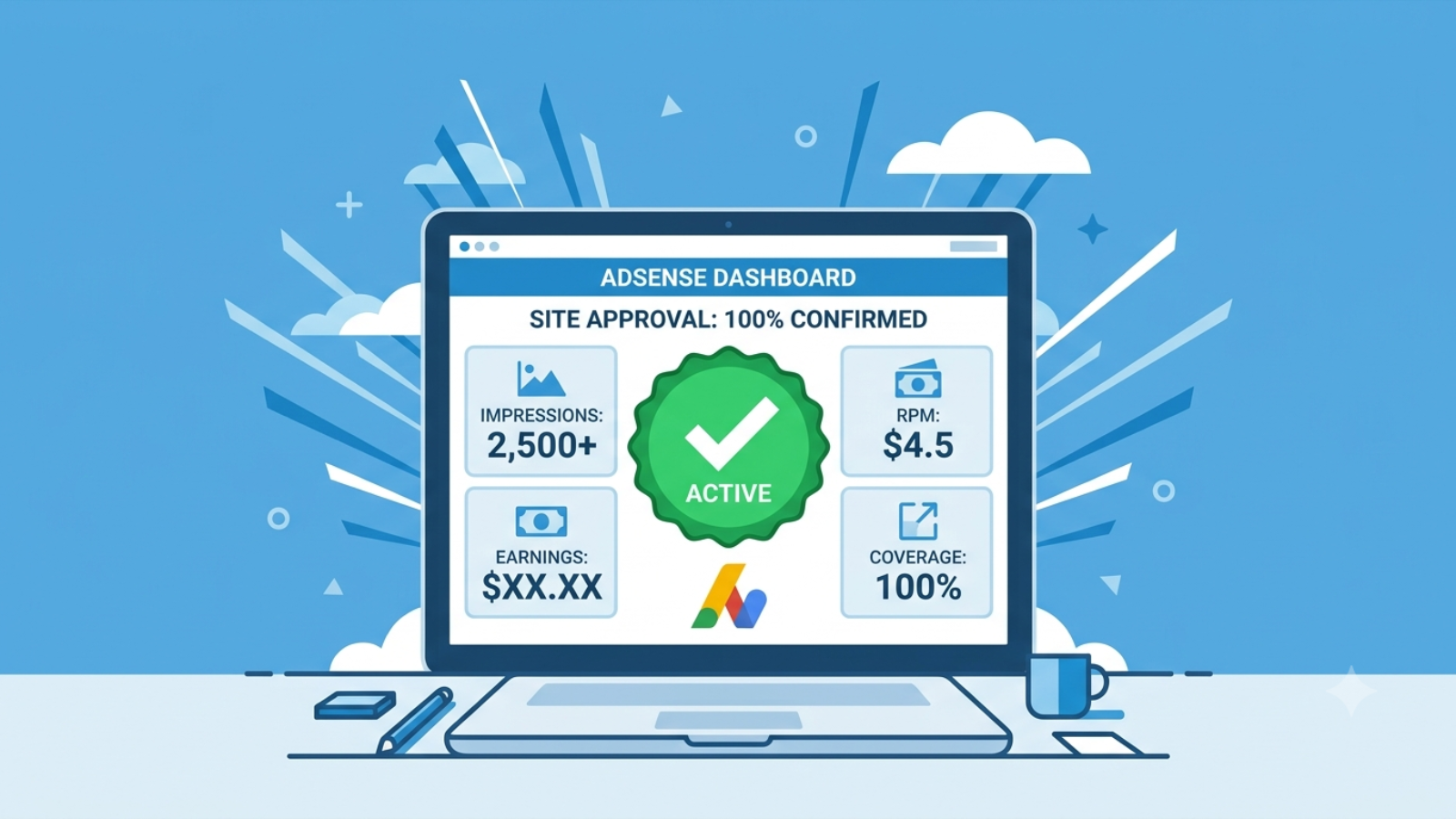
Getting Google AdSense approved in 2026 is harder than it was two years ago and easier than most rejected bloggers think. The gap between rejection and approval is almost always the same problem — content that Google’s reviewers, human or automated, open and immediately decide isn’t worth showing ads on.
I built syedaounraza.online as a WordPress developer portfolio with the secondary goal of earning AdSense revenue. I went through the setup process, the waiting, the Search Console indexing issues, and the technical checklist that most AdSense guides skip entirely because their writers don’t actually understand the WordPress backend. This is what I learned.
Why AdSense Approval Is Harder in 2026
Google made a major change to AdSense in early 2024 that most guides haven’t caught up with. The platform shifted from a predominantly click-based revenue model to a CPM (cost per thousand impressions) model. This matters for approval because it changed what Google’s reviewers are actually evaluating.
Under the old model, Google needed sites that drove clicks. Under the impression model, Google needs sites that attract real, returning human visitors who will see ads. That means the question reviewers are asking when they look at your site has changed. It’s no longer “does this site get traffic?” It’s “would a real person come back to this site?” Those are different standards.
The result: generic article farms, thin AI content, and sites with 20 identical listicles on vague topics are being rejected consistently. Sites with genuine expertise, real author identity, and content that solves specific problems are being approved even with modest traffic.
⚠️ Watch Out: The “publish 15 posts and apply” advice that circulated for years no longer works. I’ve seen sites with 30 posts get rejected and sites with 12 exceptional posts get approved in 8 days. Post count is not the metric. Content quality and site credibility are.
The Real Approval Checklist for 2026
These are the things that actually matter, in the order they matter.
Content First — Everything Else Is Secondary
Google’s reviewers open random pages on your site. What they see in the first 30 seconds determines most of the approval decision. Here’s what they’re looking for and what gets sites rejected.
Thin content is the most common rejection reason. An article under 600 words that covers a topic broadly with no real depth, no examples, no personal insight, and no information a reader couldn’t find in the first line of a Wikipedia article — that’s thin content. The fix is not more words. It’s more useful words. A 900-word article that solves a specific problem clearly is worth more than a 2,000-word article padded with repetition.
AI content without human editing is being flagged. Google doesn’t outright ban AI-assisted writing but its detection has become significantly more sophisticated in 2026. A post written entirely by an AI tool with no personal experience, no original examples, and no editing will read as generated content. The fix is not avoiding AI — it’s adding the layer of human experience that AI can’t provide. Your real project outcomes, your actual mistakes, your specific client scenarios. That’s what makes content pass.
Topical scatter gets sites rejected. A site with five posts about WordPress, three posts about healthy recipes, two posts about cryptocurrency, and one post about travel looks to Google like a content farm with no real authority on any topic. Pick your niche and go deep before applying. For a developer portfolio site, that means staying in web development, app development, and related technical topics.
✅ Pro Tip: Before applying for AdSense, open your site in an incognito window and click on five random blog posts. Read the first three paragraphs of each. If you find yourself skimming because the content feels generic or repetitive, Google’s reviewer will feel the same. Fix those posts before applying.
The Essential Pages Google Checks
AdSense reviewers look for specific pages that signal your site is a legitimate, professionally operated web property. Missing any of these is a fast rejection.
Privacy Policy — mandatory. Not optional. AdSense requires disclosure of how you collect visitor data, what cookies you use, and that Google may serve ads using visitor data. A generic privacy policy copied from another site is better than nothing but a proper one specific to your site, your tools, and your ad setup is what you need. I built a free privacy policy generator at syedaounraza.online specifically for this — it creates a proper AdSense-compliant privacy policy for your WordPress site.
About Page — your About page is where Google’s reviewer confirms that a real person with real credentials operates this site. It needs your name, your relevant background, and enough information to make you credible on the topics you’re writing about. “Hi I’m John and I love sharing tips” is not an About page. Your education, your work experience, your real projects — that’s what builds credibility.
Contact Page — a working contact form or email address. This signals you’re reachable and accountable. Sites with no contact method look anonymous and untrustworthy to both Google and potential advertisers.
Disclaimer or disclosure page — particularly if you plan to earn from affiliate links or sponsored content alongside AdSense. Not strictly required for approval but it’s a trust signal that matters.
Technical Requirements That Reject Sites Silently
This is the section most AdSense guides skip entirely because most bloggers don’t understand their own WordPress setup.
HTTPS is non-negotiable. Your site must have a valid SSL certificate and serve all pages over HTTPS. Any pages serving over HTTP, or a mixed content warning where some elements load over HTTP while the page itself is HTTPS, will cause problems. Check your SSL status in your browser — a padlock icon in the address bar with no warning is what you need. Most decent WordPress hosts (Hostinger, SiteGround, Kinsta) include free SSL via Let’s Encrypt. Enable it and force HTTPS site-wide from WordPress Settings → General.
Mobile responsiveness — Google reviews your site on mobile. A site that looks fine on desktop but has overlapping text, broken layouts, or tiny tap targets on mobile will get rejected. Test every page on an actual phone, not just a browser developer tools preview.
Page speed — this is a trust signal. A site that takes 8 seconds to load on mobile tells Google’s automated review system that the site is poorly maintained. Getting your mobile PageSpeed score above 60 before applying significantly improves your chances. I’ve written a full guide on WordPress speed optimization at syedaounraza.online that covers exactly how to fix this.
No broken links or 404 errors — Google crawls your entire site before making an approval decision. A site with multiple 404 errors, broken navigation links, or pages that return errors looks abandoned and unmaintained. Check your Google Search Console for 404 reports and fix or redirect every one before applying.
Clean robots.txt and sitemap — your XML sitemap should be submitted in Google Search Console and your robots.txt should not be accidentally blocking important pages. Yoast SEO generates both automatically in WordPress. Confirm the sitemap is at /sitemap_xml and submitted in Search Console under Sitemaps.
What AdSense Rejection Emails Actually Mean
Google sends rejection emails with vague reason codes. Here’s what they actually mean in plain language.
“Low value content” — your articles are thin, generic, or read as AI-generated without enough human editing. The fix is rewriting your weakest posts with more depth and personal insight, not publishing more posts.
“Site does not comply with AdSense policies” — you have content in a restricted category (gambling, adult content, weapons, or certain health topics) or your site structure violates placement policies. Review every page carefully and remove or rewrite anything that falls into prohibited categories.
“Insufficient content” — Google could not find enough indexed pages to evaluate your site properly. This usually means your site has indexing issues in Search Console, not that you literally don’t have enough posts. Check Search Console for “Crawled — currently not indexed” pages and request indexing for your most important articles.
“Site navigation” — reviewers couldn’t navigate your site clearly. Your menu structure is broken, important pages are buried, or your internal linking is so weak that a visitor landing on one page has no obvious path to the rest of your site.
⚠️ Watch Out: Do not reapply immediately after a rejection. Google imposes cooldown periods and rapid reapplications without meaningful changes result in longer review queues and repeated rejections. Make the fixes, wait at least two weeks, publish two to three new quality posts during that time, and then reapply.
How Long Does AdSense Approval Take in 2026?
Google’s official review time is listed as up to two weeks. In practice, sites with clean technical setups and quality content are being reviewed in 3–8 days. Sites with indexing issues, thin content, or missing pages can sit in review for the full two weeks and still come back rejected.
The review timeline does not tell you anything about whether you’ll be approved. A fast review is not necessarily a good sign. A slow review is not necessarily a bad one. Apply, make no major changes to the site while under review, and wait.
What to Do After Approval
Approval is not the finish line. It’s the start of the part where you actually have to maintain policy compliance.
Ad placement — start conservatively. One ad unit at the end of each blog post and one in the sidebar. Do not place ads so aggressively that they overwhelm your content. Google’s auto ads feature handles placement automatically if you enable it. I recommend using auto ads initially and then manually adjusting placement after reviewing which positions perform best.
Don’t click your own ads — this gets AdSense accounts banned permanently. Don’t ask friends or family to click your ads. Don’t refresh your pages repeatedly while logged into AdSense. Invalid click activity is one of the most common reasons accounts get suspended post-approval.
Keep publishing — AdSense approves your site based on its state at the time of application. A site that stops publishing after approval and starts serving stale content can have ad serving limited or suspended over time. Keep publishing at least two to four quality posts per month to maintain the quality signal that got you approved.
Monitor policy violations in your AdSense dashboard — Google will alert you if new content violates policies. Act on those alerts immediately. Ignoring them leads to account suspension.
✅ Pro Tip: Once approved, enable Google Search Console’s Core Web Vitals report and aim to keep your site in the “Good” category across all metrics. Advertisers pay higher CPMs for ad placements on fast, high-quality sites. Your approval gets you into AdSense. Your site quality determines what you actually earn per thousand visitors.
FAQ
How many blog posts do I need for AdSense approval in 2026?
There is no official minimum. Sites with 12 exceptional posts have been approved. Sites with 40 thin posts have been rejected. The quality and depth of your content matters far more than the count. Before applying, every published post should solve a specific problem clearly and be at least 800–1,000 words of genuinely useful content.
Do I need traffic to get AdSense approved?
No. Google does not publish a traffic minimum for AdSense approval. However, some organic traffic from Google Search signals that real people are finding your content valuable — which supports the approval decision. Applying with zero traffic from any source is not disqualifying, but a site with some real visitors looks more credible than one with none.
Can AI-written content get AdSense approved?
Yes, with significant human editing. Purely AI-generated posts without personal experience, real examples, or editorial rewriting are being flagged and rejected. AI as a drafting tool, followed by thorough human editing that adds your own insights and experience, can produce content that passes review.
How do I know if my site is ready to apply?
Open your site in incognito mode and ask: does every page solve a specific problem for a specific reader? Does the site look professionally maintained on mobile? Are the About, Contact, and Privacy Policy pages complete and credible? Is there a clear niche focus rather than scattered topics? If yes to all of these, you’re ready to apply.
What’s the difference between AdSense and Ezoic or Mediavine?
AdSense has no traffic minimum. Ezoic requires 10,000 monthly visits. Mediavine requires 50,000 monthly sessions. For a new site, AdSense is the right starting point. As your traffic grows, Ezoic and Mediavine typically pay significantly higher CPMs than AdSense for the same traffic, making them worth switching to once you reach their thresholds.
My site was rejected for “low value content” — what do I fix?
Start by identifying your weakest three to five posts. Rewrite them completely — not expand them, rewrite them. Add a real example, a specific outcome, a comparison, or a step-by-step process that wasn’t there before. Delete any posts under 400 words that don’t cover a specific topic with enough depth to justify existing. Wait two weeks after making changes before reapplying.
Final Thoughts
Google AdSense approval in 2026 rewards exactly what it always should have rewarded — a real site, run by a real person, publishing content that real visitors find useful enough to return for. The technical checklist matters. The essential pages matter. But none of that saves a site whose actual content a reviewer would close after 10 seconds.
Build the site for the reader first. Fix the technical setup second. Apply for AdSense third. In that order, approval follows naturally.
If you’re building a WordPress site and need help with the setup — privacy policy, speed optimization, Search Console configuration, or the full build — get in touch at https://syedaounraza.online/contact/