
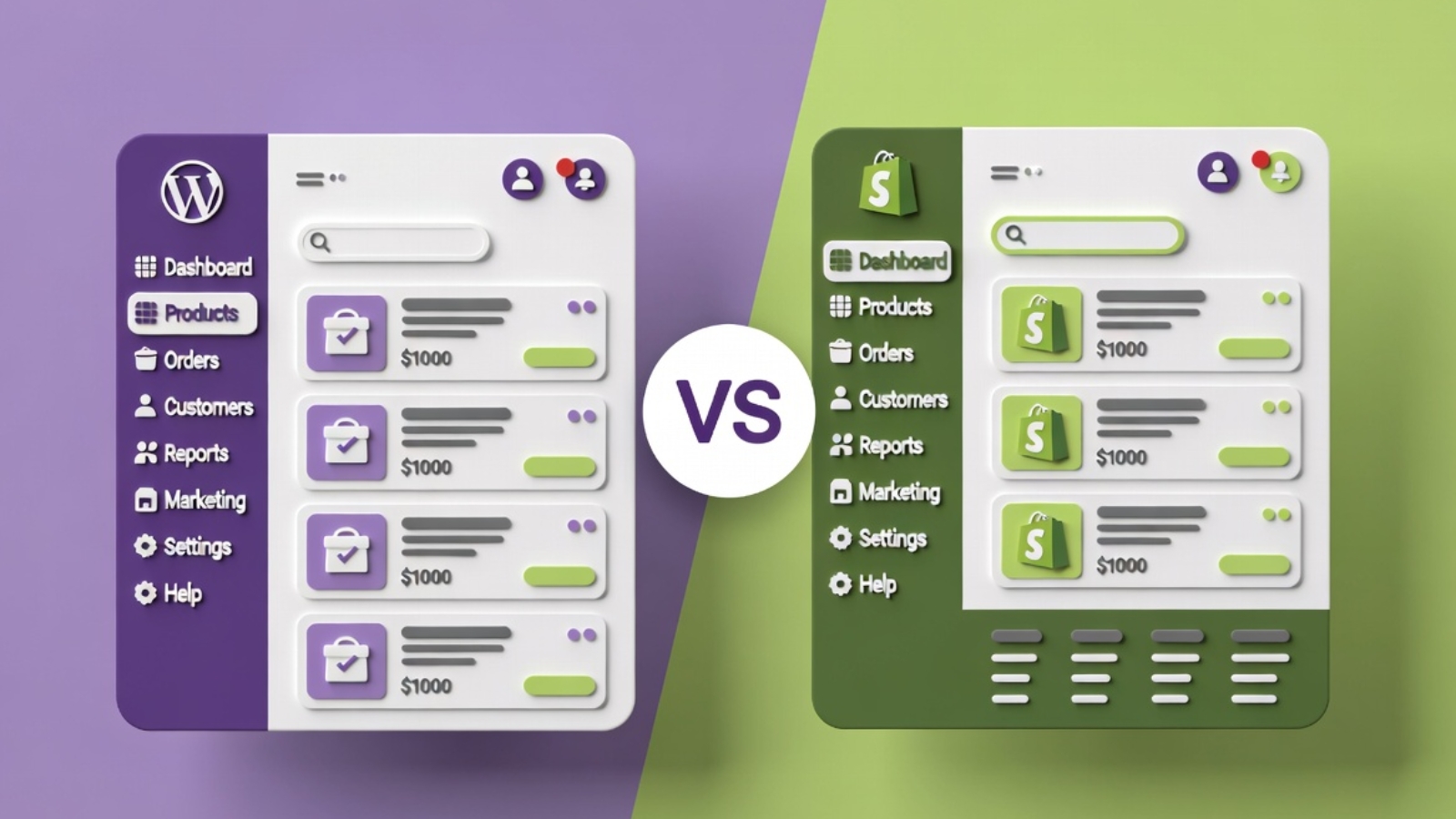
WooCommerce vs Shopify is the first decision most people face when starting an online store, and it’s a genuinely hard one because both platforms are excellent — just built on completely different philosophies.
Shopify is a fully hosted, all-in-one platform. WooCommerce is a free plugin that turns WordPress into a store. That single difference explains almost everything else about how these two platforms compare.
I’ve built stores on both. This comparison breaks down real differences in cost, ease of use, customization, and long-term ownership — not just a feature checklist copied from each platform’s marketing page.
The Core Difference You Need to Understand First
Shopify hosts everything for you. You pay a monthly fee, and Shopify handles the server, security, updates, and uptime. You’re renting a fully built store.
WooCommerce is self-hosted. It’s a free plugin you install on WordPress, but you need your own hosting, and you’re responsible for updates, security, and backups — either yourself or through a developer.
This one distinction drives every other difference between the two platforms.
✅ Pro Tip: If the idea of managing hosting, updates, and backups sounds stressful, Shopify removes that entirely. If you want full ownership and control over every part of your store, WooCommerce gives you that — at the cost of more responsibility.
Pricing Comparison
Shopify Pricing
Shopify charges a monthly subscription regardless of your sales volume:
- Basic: $39/month
- Shopify: $105/month
- Advanced: $399/month
On top of the subscription, Shopify charges transaction fees if you don’t use Shopify Payments — typically 2%, on top of your payment processor’s fees. Using Shopify Payments removes this extra fee but locks you into their payment system.
Apps for extra functionality (reviews, upsells, advanced shipping) often carry their own monthly fees, which can add $50–$200/month depending on your store’s needs.
WooCommerce Pricing
WooCommerce itself is free. Your actual costs are:
- Hosting: $5–$30/month depending on provider and traffic
- Domain: $10–$20/year
- SSL: Usually free through hosting
- Premium plugins/themes: $0–$300/year depending on what you need
- Payment processing: Standard Stripe/PayPal fees (around 2.9% + $0.30 per transaction) — no additional platform fee
For a small to medium store, WooCommerce typically costs significantly less per month than Shopify once you account for Shopify’s transaction fees and app costs.
⚠️ Watch Out: WooCommerce’s low sticker price doesn’t include your time or a developer’s time. If you’re not comfortable managing WordPress yourself, factor in either your own learning curve or the cost of hiring a developer for setup and maintenance.
Ease of Use
Shopify wins clearly here. It’s designed for non-technical store owners from day one. The setup wizard walks you through everything, the admin dashboard is intuitive, and you can have a functional store live within a few hours without touching any code.
WooCommerce has a steeper learning curve. You’re working within WordPress, which means understanding plugins, themes, and general WordPress management on top of the store itself. It’s not difficult once you’re familiar with it, but the initial setup requires more patience — or a developer.
If you want the fastest path to a live store with zero technical involvement: Shopify.
If you’re comfortable investing time to learn WordPress, or hiring someone who already knows it: WooCommerce gives you more control for less ongoing cost.
Customization and Flexibility
This is where WooCommerce genuinely outperforms Shopify.
Because WooCommerce is a WordPress plugin, you have access to WordPress’s entire ecosystem — over 60,000 plugins, unlimited theme customization, and full code-level control if you or your developer want it. Custom checkout flows, unique product configurators, complex membership logic — all of this is achievable with the right development work.
Shopify’s customization is more restricted. You’re working within Shopify’s Liquid templating system and app ecosystem. Shopify apps can extend functionality significantly, but you’re still operating within Shopify’s platform boundaries. Deep custom functionality often requires Shopify Plus (their enterprise tier, starting around $2,000/month) or complex app-based workarounds.
✅ Pro Tip: If your business model requires anything unusual — a subscription box with complex logic, a marketplace connecting multiple vendors, a highly custom product configurator — get a clear answer from a developer on both platforms before committing. WooCommerce almost always makes unusual requirements easier to build.
SEO Capabilities
Both platforms can rank well on Google, but WooCommerce has a structural advantage because it’s built on WordPress — historically the strongest CMS for SEO due to its flexibility.
With WooCommerce, you have complete control over URL structure, meta data, schema markup, and content strategy through plugins like Yoast SEO or Rank Math. You can build a full blog alongside your store, which Shopify also supports but with less flexibility in how blog and product content interact for SEO purposes.
Shopify has improved SEO significantly in recent years, but some structural limitations remain — like less control over URL structure for certain page types.
For a store planning heavy content marketing and blog-driven SEO alongside product sales, WooCommerce generally provides more flexibility.
Payment Processing
Shopify Payments is built in and works seamlessly if you’re in a supported country — no third-party gateway needed, and it avoids the extra transaction fee mentioned earlier. If Shopify Payments isn’t available in your country, you’ll need a third-party gateway and will pay the additional transaction fee.
WooCommerce works with virtually any payment gateway — Stripe, PayPal, Square, and hundreds of regional and local options through free plugins. This is particularly useful for businesses needing region-specific payment methods, like MobilePay for Danish customers or other local payment preferences.
Which One Should You Actually Choose
Choose Shopify if:
- You want to launch fast with minimal technical involvement
- You don’t want to manage hosting, security, or updates yourself
- Your product catalog and business logic are relatively standard
- You value having one company responsible for the entire platform
- You’re comfortable with a predictable monthly cost
Choose WooCommerce if:
- You want full ownership of your store and data
- Your business needs custom functionality beyond standard e-commerce
- You’re planning significant content marketing and blog-driven SEO
- You want lower long-term costs and are willing to invest in setup
- You already have a WordPress site and want to add a store to it
- You need specific regional payment gateways
What About Migrating Later
Moving from WooCommerce to Shopify, or Shopify to WooCommerce, is possible but involves real work — migrating products, customer data, order history, and rebuilding your design. Neither platform makes this a simple one-click process.
Because of this, it’s worth thinking through your 2–3 year plan before choosing rather than picking based only on what’s easiest to start with today. A business planning to scale into complex custom functionality is often better served starting on WooCommerce, even if the initial setup takes longer.
Common Questions
Q: Is WooCommerce really free?
A: The WooCommerce plugin itself is free. Your actual costs are hosting, a domain, and any premium themes or plugins you choose to add. Most small stores can run WooCommerce for $10–$30/month total.
Q: Can I switch from Shopify to WooCommerce later?
A: Yes, though it requires migrating your product catalog, customer data, and rebuilding your site design. Several plugins exist to help with product data migration, but a smooth transition usually benefits from developer assistance.
Q: Which platform is better for a small restaurant or local business?
A: WooCommerce is often a better fit for local businesses because of lower ongoing costs and the ability to add regional payment methods like MobilePay. It also integrates naturally if you already need a WordPress site for your broader business presence, not just online ordering.
Q: Does Shopify or WooCommerce handle more traffic better?
A: Shopify’s hosting is built to handle traffic spikes automatically since it’s a managed platform. WooCommerce can handle high traffic too, but this depends entirely on your hosting quality — a cheap shared host will struggle under heavy traffic where Shopify wouldn’t.
Q: Which is cheaper in the long run?
A: For most small to medium stores, WooCommerce is cheaper over 12+ months once you account for Shopify’s monthly fee, transaction fees, and app costs. The gap narrows if your WooCommerce site needs significant developer time for setup and maintenance.
Final Thoughts
WooCommerce vs Shopify isn’t really a question of which platform is objectively better — it’s a question of which tradeoff fits your business. Shopify trades flexibility for simplicity and predictability. WooCommerce trades a steeper setup process for lower long-term cost and far greater customization.
If you’re still unsure after reading this, the deciding question is usually this: do you want a platform that does everything for you, or do you want full control over everything, even if it takes more work to get there?
If you’re planning a WooCommerce store and want it built properly from day one — including payment gateway setup, product configuration, and SEO foundations — Contact me and I’ll help you get it right.