
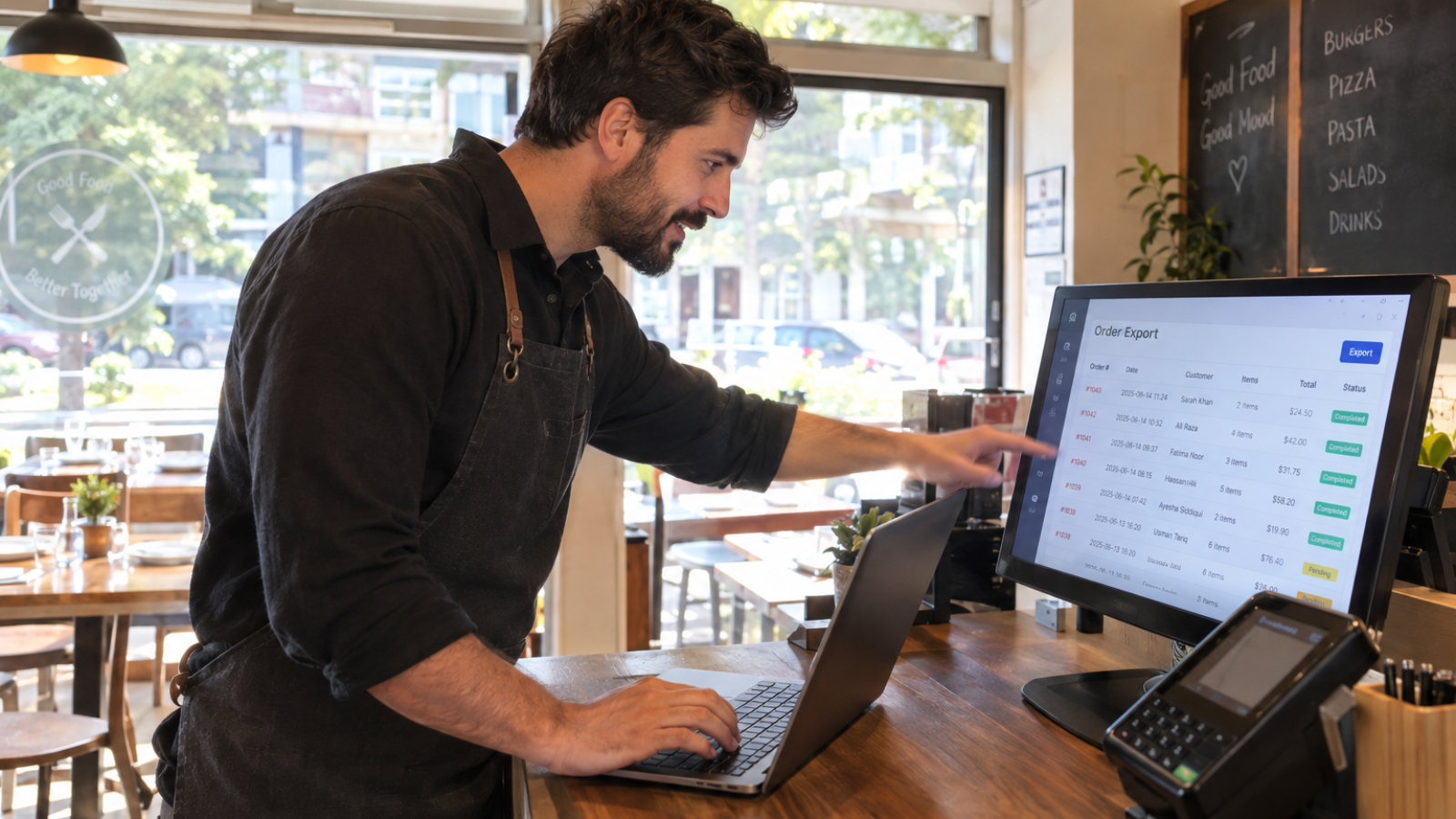
A GloriaFood to WooCommerce migration means moving your menu, customer list, and delivery settings to a platform you actually own, before Oracle shuts GloriaFood down on April 30, 2027. You won’t “import” old orders into WooCommerce as live transactions — you’ll archive them for records and rebuild your live menu and ordering flow from scratch on WooCommerce.
If you’re reading this because you got an email or saw a banner inside your GloriaFood dashboard, you’re not imagining it. Oracle acquired GloriaFood back in 2021, and it’s now retiring the entire platform. This isn’t a price increase or a forced upgrade — it’s a full shutdown, with no Oracle-built replacement and no official migration tool.
I’ve been getting questions about this from restaurant clients, so here’s the actual plan I’d recommend, not just a generic “how to switch platforms” checklist.
Why Is This Migration Suddenly Urgent?
GloriaFood built a loyal following of independent restaurants because it offered commission-free online ordering for free. That’s exactly why so many small businesses leaned on it for years without a backup plan.
According to an independently maintained shutdown timeline, GloriaFood has already stopped accepting new signups and is running in maintenance mode with no new features. April 30, 2027 is the confirmed final date, and after that, ordering pages, QR codes, and connected POS integrations all stop working at once — with no data recovery available afterward.
That deadline sounds distant, but here’s the catch: a clean migration takes real planning time, not a weekend. Menu mapping, testing, and running both systems in parallel for a couple of weeks all add up. Starting in early 2027 is starting too late.
What Actually Happens If You Wait Too Long?
If your account isn’t migrated before the cutoff, you lose access to your entire menu setup, your customer contact list, your delivery zone configuration, and your order history — all at once, with no advance warning beyond what’s already been communicated. There’s no “read-only” grace period once the platform goes dark.
The customer list is the part I’d worry about most. Menus and photos can be rebuilt slowly on a new platform. A list of customers built from years of repeat orders cannot be recreated once it’s gone.
The Migration Checklist I’d Actually Follow
Here’s the order I’d tackle this in, based on what actually breaks when people rush it.
1. Export Everything From GloriaFood First
Before touching WooCommerce, pull every piece of data GloriaFood lets you export: menu items, categories, modifiers, prices, photos, delivery zones, hours, and your customer contact list. Do this now, regardless of when you plan to actually launch on WooCommerce, because export access could tighten as the shutdown date approaches.
2. Set Up WooCommerce and Map Your Menu
This is usually the most time-consuming part, not the most technical. Every menu item, variation, add-on, and modifier group needs to be manually mapped into WooCommerce’s product structure, since there’s no direct one-click importer between the two platforms. WooCommerce’s own CSV import/export documentation covers the bulk-upload process once your menu data is formatted correctly.
3. Decide What Happens to Historical Orders
Here’s the nuance most migration guides skip entirely: you’re not actually “importing” your old GloriaFood orders into WooCommerce as live transactions. WooCommerce’s order system expects orders created through its own checkout flow, so forcing historical GloriaFood orders into that structure creates messy, unreconciled records that don’t match your payment processor or accounting software.
What I actually recommend instead: export your GloriaFood order history as a CSV or PDF archive for your own records and accounting, and start WooCommerce with a clean order table going forward. You’re not losing your order history — you’re separating “records you need to keep” from “orders your new system needs to process.” That distinction saves hours of unnecessary cleanup.
4. Reconnect Payments and Delivery Zones
Confirm your Stripe or payment gateway connects cleanly to WooCommerce, since GloriaFood’s payment integration doesn’t carry over automatically. Rebuild your delivery zones and radius settings directly in WooCommerce or your chosen delivery plugin, testing each zone before launch.
5. Run Both Systems in Parallel Before Cutover
Don’t switch overnight. Keep GloriaFood live while your WooCommerce ordering page runs in a soft-launch mode for at least one to two weeks. That overlap window catches configuration mistakes before real customers hit them.
6. Redirect Old Links and Update Every Mention
Set up 301 redirects from your old GloriaFood ordering URL to your new WooCommerce ordering page, since skipping this step causes both an SEO hit and confused customers hitting a dead link. Update your Google Business Profile, social media bios, and any printed menus or QR codes pointing to the old system.
What I’d Do Differently Than a Generic Migration Guide
Most guides treat this as a pure data-export exercise. I treat it as a chance to fix what GloriaFood never let you control in the first place — your site’s design, your menu presentation, and your page speed. If you’re already rebuilding your ordering flow, it’s worth pairing this migration with a proper look at your site’s theme and performance rather than just bolting WooCommerce onto whatever you had before. I’ve written separately about choosing the right WordPress theme for a restaurant, which matters even more once ordering, not just browsing, happens directly on your site.
If your restaurant has unusual modifier logic, loyalty rules, or a delivery-zone setup GloriaFood handled in a way WooCommerce doesn’t natively support, that’s often where custom plugin development actually earns its cost — rebuilding one specific missing piece, not the whole system.
[INSERT: a real client migration example here — e.g., a specific restaurant’s GloriaFood-to-WooCommerce switch, what broke, and how long it actually took]
Common Mistakes That Cause Real Problems
- Waiting until early 2027 to start. The last few months before any platform shutdown always get chaotic, as support slows and other restaurants scramble simultaneously.
- Skipping the parallel-running period. Switching overnight risks a gap where customers simply can’t place orders.
- Forgetting 301 redirects. This causes an immediate, avoidable SEO and traffic loss on your ordering page.
- Not exporting the customer list separately. Menu items can be rebuilt. A customer contact database built over years cannot.
Should You Migrate This Yourself or Hire Someone?
If your menu is small and simple, a motivated business owner can handle this migration solo with a weekend of focused work. If you’re running complex modifiers, multiple delivery zones, loyalty promotions, or integrations with a POS system, I’d bring in a developer who’s done a WooCommerce food-ordering setup before, since those are exactly the details that go wrong when rushed.
If you want a realistic estimate of what a proper migration and rebuild would cost for your specific setup, my website cost calculator gives you a starting number in a couple of minutes.
Frequently Asked Questions
Why is GloriaFood shutting down?
Oracle, which acquired GloriaFood in 2021, has confirmed the platform will be permanently retired on April 30, 2027. New signups have already closed, and no official replacement or migration tool has been announced.
Can I import my GloriaFood order history directly into WooCommerce?
Not cleanly. WooCommerce’s order system is built for its own checkout flow, so historical GloriaFood orders should be archived as a CSV or PDF for your records rather than force-imported as live WooCommerce orders.
How long does a GloriaFood to WooCommerce migration take?
A careful migration typically takes several weeks, covering menu mapping, testing, and a parallel-running period before full cutover. Rushing it into a few days increases the risk of missed data or broken ordering flows.
What data will I lose if I don’t migrate before the shutdown?
You’ll lose access to your entire menu setup, customer contact list, order history, and delivery zone configuration once GloriaFood goes offline, with no data recovery available afterward.
Does WooCommerce charge commission on orders like GloriaFood does?
No. WooCommerce itself doesn’t charge order commissions, though you’ll still pay standard payment processing fees through whichever gateway (like Stripe) you connect.
Do I need a developer to migrate from GloriaFood to WooCommerce?
Simple menus can be migrated by a business owner directly. Complex setups with custom modifiers, multiple delivery zones, or POS integrations usually benefit from a developer experienced with WooCommerce food-ordering builds.
Want This Migration Handled Properly?
If you’d rather not risk losing your menu or customer data before the 2027 deadline, message me on WhatsApp and I’ll walk through your specific setup. Start the conversation here.