
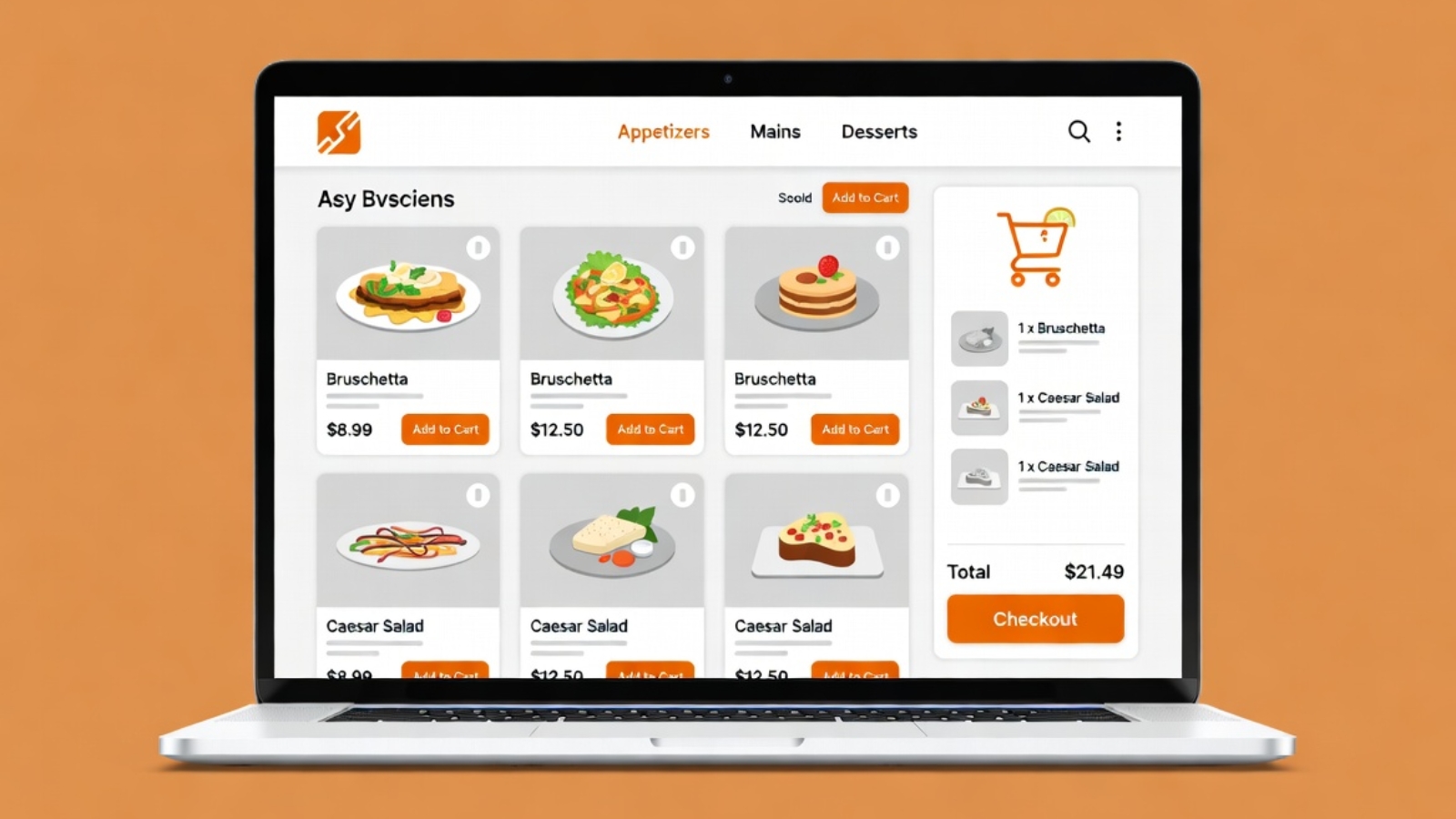
The best WordPress plugins for restaurant online ordering let you take full control of your menu, delivery zones, and customer data — without paying ongoing commissions to third-party platforms like Gloria Food or Just Eat.
If you run a restaurant and you’re still relying on a third-party ordering platform, you’re giving away two things: money (platform fees on every order) and data (your customer order history lives on their server, not yours). Moving your online ordering to WordPress with WooCommerce puts both back in your hands.
This guide covers the best plugins for restaurant ordering on WordPress in 2026— what each one does, who it’s for, and how they compare. I’ve worked with several of these directly while building and migrating restaurant websites, so these recommendations come from real project experience.
Why Use WordPress for Restaurant Online Ordering
Before diving into plugins, it’s worth being clear on what you actually get by running ordering through WordPress instead of a dedicated platform.
You own everything. Your menu lives in your WordPress database. Your customer orders are yours. You can export them, analyze them, run promotions on them — without asking anyone’s permission.
You pay less over time. Gloria Food, Just Eat, and similar platforms charge per-order commissions or monthly fees that compound fast. With WordPress you pay hosting (typically $5–$15/month) and a one-time or annual plugin cost. That’s it.
You control the experience. Your ordering page looks like your website, not a generic platform template. Your brand stays consistent from homepage to checkout.
✅ Pro Tip: If you’re migrating from Gloria Food to WordPress, keep Gloria Food live during the transition. Run both systems in parallel until your WooCommerce ordering is fully tested — then switch DNS and retire the old platform. Never go dark between systems.
The Best WordPress Plugins for Restaurant Online Ordering
1. Orderable — Best Overall for Restaurants
Orderable is built specifically for restaurant ordering on WordPress and WooCommerce. It’s the plugin I recommend first to any restaurant client because it solves the problems standard WooCommerce doesn’t handle out of the box — delivery time slots, opening hours enforcement, and a checkout flow designed for food ordering rather than physical product shipping.
Key features:
- Time slot selection for delivery and pickup
- ASAP ordering toggle
- Opening hours enforcement — no orders when you’re closed
- Minimum order value for delivery
- Product add-ons (extras, sauces, toppings)
- Clean, mobile-friendly ordering layout
Pricing: Free tier available. Pro starts at $149/year.
Best for: Restaurants that need a complete, dedicated ordering experience without heavy custom development.
⚠️ Watch Out: Orderable’s free tier is functional but limited. If you need time slots and opening hours enforcement — which most restaurants do — you’ll need the Pro version. Factor this into your budget before starting the build.
2. WooCommerce — The Foundation Every Plugin Builds On
WooCommerce itself isn’t a restaurant plugin, but it’s the e-commerce layer that makes all of these solutions possible. It handles the product catalog (your menu), cart, checkout, and payment processing.
On its own, WooCommerce treats food items like physical products — which means you’ll need at least one additional plugin (like Orderable or one of the others below) to turn it into a proper food ordering system. But as the foundation, it’s free, incredibly well-supported, and powers millions of online stores worldwide.
Key features:
- Product catalog with categories and variants
- Cart and checkout
- Payment gateway integrations (Stripe, PayPal, MobilePay, and 100+ more)
- Order management dashboard
- Customer email notifications
Pricing: Free. Extensions vary.
Best for: Every restaurant ordering setup on WordPress — this is the base layer, not optional.
3. WooCommerce Product Add-Ons — Best for Extras and Toppings
WooCommerce Product Add-Ons solves a specific but critical restaurant problem: how do customers add extras, toppings, or special instructions to an item during ordering?
Standard WooCommerce product variants work for size (small/medium/large), but they don’t handle optional extras cleanly. This plugin adds checkboxes, dropdowns, and text fields to any product — so a customer ordering a pizza can tick “extra cheese” and “extra jalapeños” and see the price update in real time.
Key features:
- Checkboxes, radio buttons, dropdowns, and text fields on products
- Per-extra pricing that updates the cart total live
- “Special instructions” text field for custom requests
- Works with variable products (size variants)
Pricing: $79/year (official WooCommerce extension).
Best for: Any restaurant with menu items that have add-ons, extras, or customization options.
4. Delivery Drivers for WooCommerce — Best for Managing Delivery
If your restaurant does its own delivery rather than using a third-party courier, Delivery Drivers for WooCommerce gives you a driver assignment and tracking system built into WordPress.
Restaurant owners can assign orders to specific drivers from the WooCommerce orders panel. Drivers get a mobile-friendly interface to accept and update orders. Customers can track their delivery status.
Key features:
- Driver accounts with mobile-friendly order dashboard
- Order assignment from WooCommerce admin
- Customer delivery status notifications
- Driver location tracking (Pro version)
Pricing: Free core plugin. Pro version available.
Best for: Restaurants running their own delivery fleet rather than outsourcing to a courier service.
5. WP Mail SMTP — Essential Supporting Plugin
This isn’t a restaurant-specific plugin, but it belongs on this list because without it your WooCommerce order confirmation emails will frequently land in spam — and customers who don’t receive confirmation emails cancel orders, call the restaurant, and leave bad reviews.
WP Mail SMTP replaces WordPress’s unreliable built-in mail with a proper SMTP connection through Gmail, Brevo, or another mail provider, making sure every order confirmation actually reaches the customer.
Pricing: Free tier handles most restaurant needs.
Best for: Every WordPress restaurant site — this should be installed before you take a single live order.
Comparing the Top Plugins
| Plugin | Purpose | Free Tier | Paid From |
|---|---|---|---|
| Orderable | Full restaurant ordering | Yes (limited) | $149/year |
| WooCommerce | E-commerce foundation | Yes | Free |
| Product Add-Ons | Extras and toppings | No | $79/year |
| Delivery Drivers | Driver management | Yes | Paid Pro |
| WP Mail SMTP | Order email delivery | Yes | Free |
Which Setup Is Right for Your Restaurant
If you want the simplest possible setup: WooCommerce free + Orderable free tier. Gets you a functional ordering page with basic delivery and pickup options. Good starting point before committing to paid plugins.
If you have extras and toppings: Add WooCommerce Product Add-Ons to the above. Most restaurants with any menu complexity need this.
If you run your own delivery drivers: Add Delivery Drivers for WooCommerce so you can manage and track your own fleet inside WordPress.
If you’re migrating from Gloria Food: Start with WooCommerce + Orderable Pro. The time slot and opening hours features in Orderable Pro directly replace what Gloria Food handled, making the transition feel seamless to customers.
What About Payment Gateways for Restaurants
Payment gateways are configured inside WooCommerce settings, not as separate ordering plugins. For most restaurants:
- Stripe — best all-around card payment option, works globally
- MobilePay — essential for Danish restaurants, large share of Danish customers pay this way
- PayPal — useful if your customer base expects it, less common for restaurant ordering
- Cash on Delivery — always enable this as a fallback for pickup orders
Each gateway installs as a WooCommerce extension. Stripe’s official WooCommerce plugin is free and available at wordpress.org/plugins/woocommerce-gateway-stripe.
Common Problems With Restaurant Ordering Plugins
Orders arriving at wrong times
Fix: Enable opening hours in Orderable so customers can’t order outside your working hours. Set your timezone correctly in WordPress Settings → General first.
Extras not showing at checkout
Fix: Make sure WooCommerce Product Add-Ons is active and the add-ons are assigned to the correct products. Check that the product type is set to Simple — add-ons sometimes don’t display on Variable products without additional configuration.
Order confirmation emails going to spam
Fix: Install WP Mail SMTP immediately and connect it to a Gmail account or Brevo free tier. Test by placing a real order and checking the inbox, not just the spam folder.
Delivery zone not restricting correctly
Fix: In WooCommerce → Settings → Shipping, set up Shipping Zones with specific postcodes or regions. Only customers within those zones see the delivery option at checkout.
Final Thoughts
The best WordPress plugins for restaurant online ordering in 2026 give you everything a third-party platform offers — ordering, payment, delivery management — without the ongoing commissions and without giving up ownership of your customer data.
Start with WooCommerce as your foundation, add Orderable for the restaurant-specific ordering flow, and layer in Product Add-Ons if your menu has extras. Install WP Mail SMTP before you go live — it’s a five-minute setup that prevents a lot of headaches.
If you need help setting up WordPress online ordering for your restaurant — including migrating from Gloria Food or configuring MobilePay for a Danish audience — Contact me and I’ll get it running correctly from day one.