
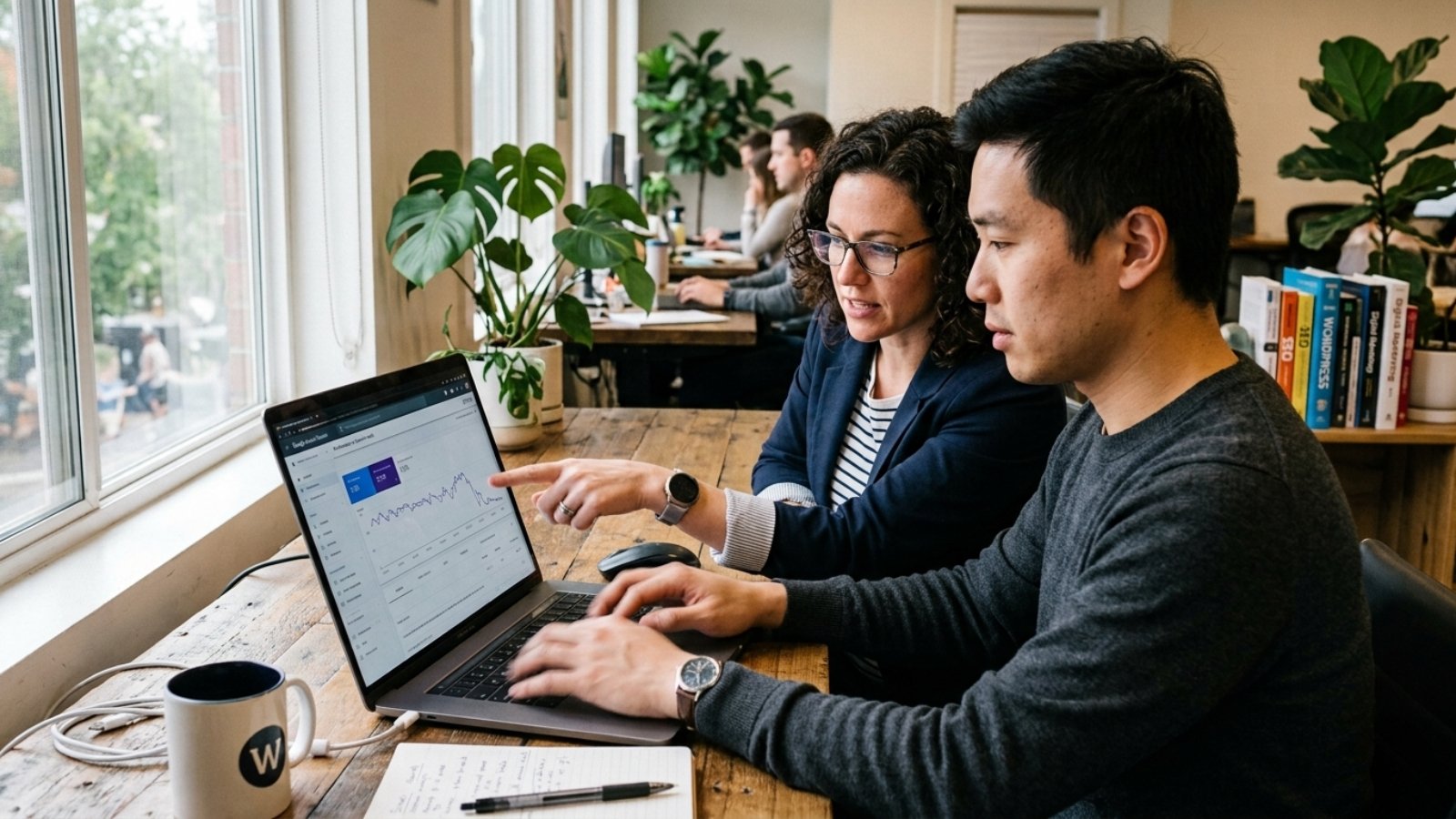
Quick answer: WordPress SEO mistakes hurt rankings when they make your site slow, unclear, hard to crawl, or weak for users. The biggest fixes are simple: check indexing, improve mobile speed, remove duplicate pages, write stronger content, clean up plugins, and use Search Console before guessing.
WordPress SEO Mistakes That Hurt Rankings
WordPress SEO mistakes can quietly damage your Google rankings, even when your website looks professional.
That is the part many business owners miss. A clean design does not always mean a search-friendly website. Google still needs to crawl the site, understand each page, load it quickly, and match it to the right search intent.
Because WordPress is so flexible, it can support excellent SEO. However, that same flexibility also creates problems. A bad theme, too many plugins, weak content, or poor settings can hold back a strong business.
W3Techs reported in July 2026 that WordPress powers 41.2% of all websites and 59.1% of websites with a known CMS. So the platform is not the issue. The setup usually is.
As a WordPress and Elementor developer, I often see the same pattern. The owner has published pages, installed an SEO plugin, and waited for traffic. Still, rankings stay flat because the real issues sit deeper in the build.
Are You Blocking Google Without Realising It?
Start with the most basic problem first. Can Google actually index your site?
WordPress includes a setting called “Discourage search engines from indexing this site.” Developers may turn it on during a staging build. After launch, someone can forget to switch it off.
To check it, go to Settings, then Reading. Make sure the indexing box is not selected.
However, that is only one place to look. SEO plugins can also add noindex tags to pages. Sometimes, a service page, blog post, or product page gets hidden by accident.
This is why Google Search Console matters. Google’s SEO Starter Guide recommends checking whether Google can discover and access your pages. The URL Inspection tool can show whether a page appears in Google’s index.
For a quick manual check, search Google for:
site:yourdomain.com
If nothing appears, investigate immediately. If old pages appear, check redirects. If strange demo pages appear, remove or noindex them.
This small check can save weeks of wasted effort.
Is Your WordPress Site Too Slow For Google And Users?
Speed affects rankings, leads, and trust.
Google uses Core Web Vitals as part of its page experience signals. These metrics look at loading speed, responsiveness, and visual stability. In simple terms, your site should load fast, respond quickly, and avoid jumping around.
WordPress sites often slow down for predictable reasons. Large images, heavy themes, overloaded plugins, poor hosting, and page builder bloat all add weight. As a result, mobile users leave faster.
Google’s web.dev Core Web Vitals case studies show the business impact clearly. Vodafone improved LCP by 31% and saw 8% more sales. Tokopedia improved LCP by 55% and saw 23% better average session duration.
That matters because SEO traffic means little if users leave before reading.
For WordPress sites, check these speed issues first:
Oversized images.
Unused plugins.
Multiple font libraries.
Heavy sliders.
Autoplay videos.
Unoptimized Elementor sections.
Render-blocking scripts.
Slow shared hosting.
In practice, speed work should happen before major content expansion. Otherwise, every new page sits on a weak foundation.
Do Your Page Titles Match Real Search Intent?
Many WordPress pages use vague titles.
A page called “Services” does not give Google enough context. It also does not help a searcher choose your result. Instead, each important page needs a clear title that matches what people search for.
For example:
Weak: Services
Better: WordPress Website Developer for Small Businesses
Weak: Contact
Better: Request a WordPress Website Quote
Weak: Booking
Better: Online Booking Website for Tour Operators
Google’s SEO Starter Guide says good titles should be unique, clear, concise, and accurate. That sounds simple, but many sites ignore it.
Also, avoid keyword stuffing. Repeating the same phrase too many times can make the page feel unnatural. Google’s spam policies warn against keyword stuffing because it tries to manipulate rankings.
A stronger approach is to write for search intent. Ask what the visitor wants at that moment. Then make the title answer that need.
Are Duplicate Pages Splitting Your SEO Value?
Duplicate content happens easily in WordPress.
Category archives, tag archives, author pages, date pages, filtered URLs, demo pages, and copied templates can all create extra versions of similar content. As a result, Google may waste crawl time or choose the wrong page.
Google says duplicate content is not always a spam violation. However, it can confuse users and search engines. That is why canonical URLs and redirects matter.
For example, a restaurant that migrates from one ordering platform to another may create old menu pages, new product pages, and duplicate category URLs. If those pages stay live, Google may index the wrong version.
Aoun’s guide on moving a restaurant from GloriaFood to WooCommerce shows why structure matters during a rebuild: https://syedaounraza.online/blogs-gloria-food-to-woocommerce-migration/
To clean this up, check:
Old URLs after a redesign.
Imported demo content.
Empty tag pages.
Duplicate service pages.
HTTP and HTTPS versions.
www and non-www versions.
Product filter URLs.
After that, redirect weak duplicates to the best page. Use canonical tags where needed. Also, keep your sitemap clean.
A clean site structure helps Google focus on pages that actually matter.
Are You Publishing Thin Content Instead Of Useful Pages?
Thin content is one of the most common WordPress SEO mistakes.
A short page can rank if it answers the query well. However, many thin pages do not. They repeat basic claims, avoid details, and provide no real experience.
For a business website, this usually appears in service pages. The page says “we build websites,” but it does not explain process, pricing factors, timelines, platforms, examples, or common problems.
That gives visitors little reason to trust you.
Google’s SEO guidance encourages helpful, reliable, people-first content. In February 2026, Google also released a Discover update focused on more original, timely, and expert content. Although Discover differs from regular search, the direction is clear.
Generic content is getting weaker.
A stronger WordPress page should include:
A clear answer to the search query.
Specific examples.
Practical steps.
Real limitations.
Updated information.
Relevant internal links.
Helpful FAQs.
Original opinion from experience.
For instance, a tour operator does not need a generic “booking website” page. They need details about booking tools, SEO, speed, payments, mobile UX, and integration issues. This FareHarbor WordPress guide gives that kind of specific help: https://syedaounraza.online/add-fareharbor-booking-wordpress/
Specific pages build trust faster.
Can Too Many Plugins Hurt Your Rankings?
Yes, too many plugins can hurt rankings indirectly.
A plugin does not damage SEO just by existing. However, plugins can slow pages, add extra scripts, create schema conflicts, break forms, or expose security issues. Over time, that creates a messy website.
Many small business sites use separate plugins for every small task. One plugin handles SEO. Another adds schema. Another adds forms. Another adds tracking. Then more plugins handle caching, icons, sliders, popups, cookies, backups, redirects, and custom code.
Soon, nobody knows what each plugin does.
That creates risk because WordPress needs maintenance. WordPress.org currently recommends PHP 8.3 or greater, MariaDB 10.11+ or MySQL 8.0+, and HTTPS for modern WordPress hosting. Older PHP versions may still run, but they can create security and performance problems.
So plugin cleanup should be part of SEO work.
Before installing another plugin, ask:
Does the theme already support this?
Does an existing plugin already do it?
Will this load code on every page?
Has the plugin received recent updates?
Does this feature help users or just decorate the site?
In my opinion, fewer well-chosen plugins beat a crowded dashboard every time.
Is Your Mobile Website Missing Important Content?
Mobile SEO is not just about shrinking the layout.
Google uses mobile-first indexing. That means Google primarily uses the mobile version of your content for indexing and ranking. Therefore, your mobile page must include the same important content as desktop.
This matters for WordPress and Elementor builds. Designers often hide sections on mobile to make the page shorter. Sometimes, they hide key service details, testimonials, FAQs, or pricing explanations.
That can weaken the page.
Google’s mobile-first indexing guidance also says Google must access and render your mobile content and resources. So avoid important content that only appears after a broken tap, blocked script, or awkward interaction.
Check these mobile details:
Does the headline explain the offer?
Can users tap the main button easily?
Does the menu work?
Do forms fit the screen?
Do images crop important details?
Do popups block content?
Does the page jump while loading?
Also, test on a real phone. Browser resizing helps, but real devices reveal more issues.
If you want AdSense approval, mobile trust matters too. Aoun’s guide on creating a privacy policy page for Google AdSense explains why legal pages and clear disclosures support approval: https://syedaounraza.online/privacy-policy-page-google-adsense/
Are Your Internal Links Helping Or Just Sitting There?
Internal links guide users and search engines.
Unfortunately, many WordPress sites treat them as an afterthought. Blog posts sit alone. Service pages do not link to helpful guides. Old articles never link to new pages.
As a result, good content gets buried.
Internal links should create a natural path. A reader may start with an SEO mistake article. Then they may need a WordPress booking guide, a WooCommerce migration guide, or an AdSense setup guide.
That journey should feel easy.
Use internal links from:
Homepage sections.
Main service pages.
Relevant blog posts.
Case studies.
FAQ answers.
Footer links.
Category pages.
However, do not add links just to add them. Every link should help the reader understand the next step.
Good anchor text also matters. “Read more” is vague. “FareHarbor WordPress booking guide” tells users what to expect.
Are You Ignoring Search Console After Launch?
A WordPress launch is only the start.
After launch, Google Search Console shows how Google understands your site. It can reveal indexing issues, sitemap problems, query data, ranking movement, and page experience warnings.
Without Search Console, you are guessing.
For example, a page may get impressions but no clicks. In that case, improve the title and meta description. Another page may get clicks but no leads. Then the issue may be the offer, form, or CTA.
Meanwhile, a page with no impressions may need better content, links, or indexing checks.
Review these areas monthly:
Pages indexed.
Pages not indexed.
Search queries.
Click-through rate.
Average position.
Sitemap status.
Core Web Vitals.
Manual actions.
Security issues.
Google’s Search Status Dashboard also records ranking updates. In 2026, it listed several updates, including March and May core updates and a June spam update. So if traffic changes suddenly, compare dates before blaming one plugin or one article.
Data gives you a calmer diagnosis.
What Should You Fix First?
Start with technical blockers because they can stop ranking completely.
Then improve speed, mobile UX, and content quality. After that, build stronger internal links and tracking. This order saves time because it handles the biggest risks first.
Use this practical checklist:
- Check WordPress indexing settings.
- Inspect key URLs in Search Console.
- Submit a clean XML sitemap.
- Remove demo pages and unused archives.
- Fix redirects and canonical URLs.
- Compress images and improve Core Web Vitals.
- Update weak titles and meta descriptions.
- Rewrite thin service pages.
- Clean up unnecessary plugins.
- Test every key page on mobile.
- Add useful internal links.
- Track leads, calls, forms, and WhatsApp clicks.
For business owners, this is where a skilled developer helps. SEO problems often cross content, design, code, hosting, analytics, and conversion flow.
Aoun works across WordPress and Elementor, Wix Studio and Velo, Flutter and Firebase, and AI integrations. So if your issue connects the website to booking tools, lead forms, apps, automations, or analytics, it can be handled as one system.
That is usually better than patching one symptom at a time.
FAQ
What are the biggest WordPress SEO mistakes?
The biggest WordPress SEO mistakes include blocking indexing, using slow themes, publishing thin content, ignoring mobile UX, creating duplicate pages, using vague titles, and installing too many plugins.
Can WordPress rank well on Google in 2026?
Yes, WordPress can rank well on Google in 2026. However, rankings depend on technical setup, useful content, fast performance, mobile usability, internal links, and search intent. WordPress alone does not guarantee rankings.
Do SEO plugins fix WordPress SEO automatically?
SEO plugins help with titles, meta descriptions, sitemaps, schema, and indexing controls. However, they do not automatically fix slow hosting, weak content, poor design, duplicate pages, or bad conversion paths.
Can a slow WordPress site lose rankings?
A slow WordPress site can lose ranking strength because speed affects page experience and user behaviour. Slow pages can also reduce leads, sales, and engagement, especially on mobile devices.
How often should I audit my WordPress SEO?
Audit your WordPress SEO at least every three months. Also review it after redesigns, plugin changes, migrations, Google updates, major content edits, or sudden traffic drops.
Should I hire a developer for WordPress SEO?
Hire a developer if the problem involves speed, indexing, redirects, plugin conflicts, Core Web Vitals, mobile layout, schema, tracking, or migrations. Use an SEO writer when the main problem is content quality.
Final Thought
Most WordPress SEO mistakes are fixable. The hard part is knowing which issue matters first.
If your rankings dropped, your pages are not indexing, or your WordPress site feels slow and messy, start with a practical audit. Aoun can review the setup, find the real blockers, and suggest the next clean step.
You can send the page here: Message Aoun on WhatsApp