
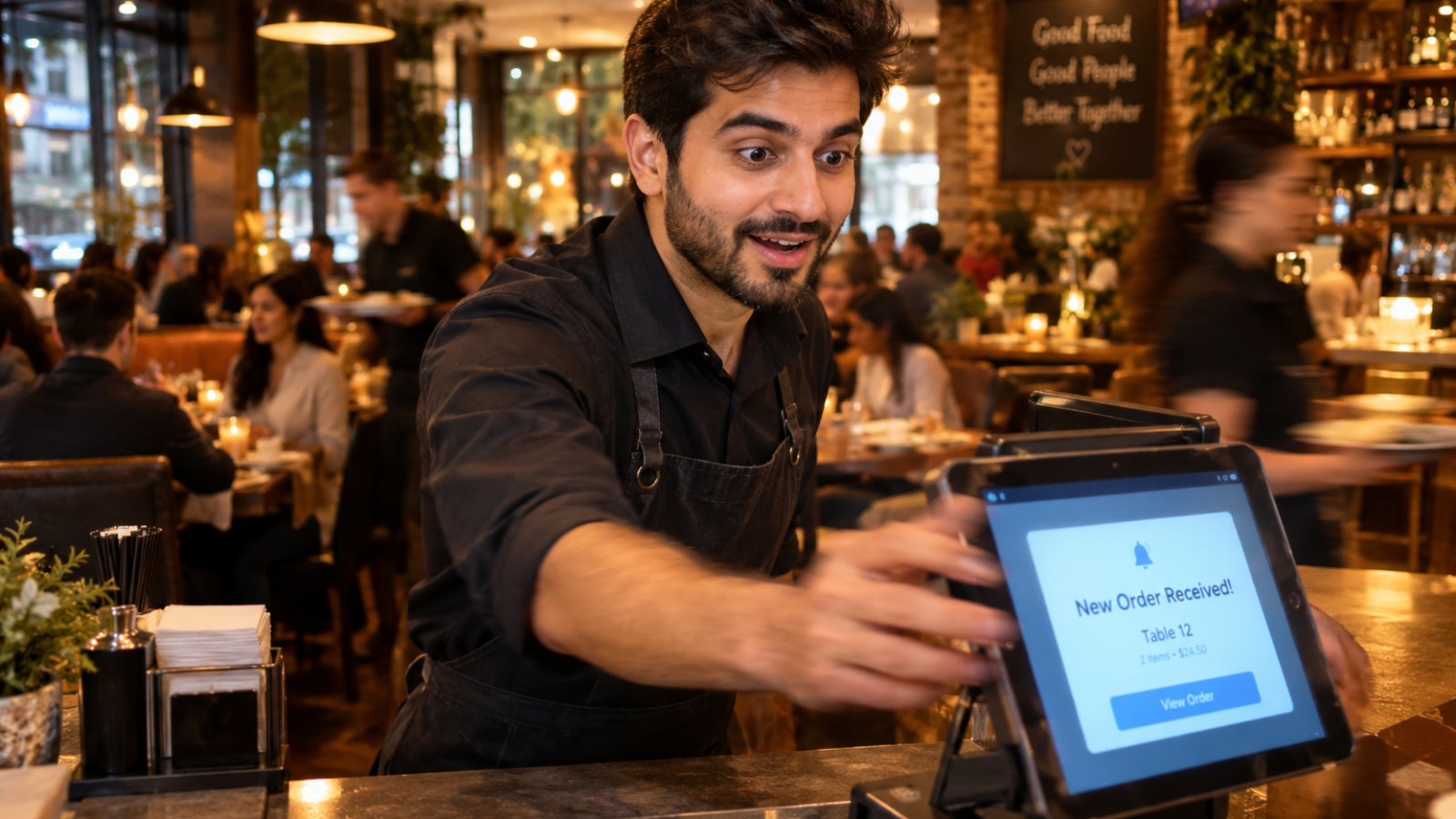
A high-converting WooCommerce store for restaurants needs three things a generic e-commerce setup doesn’t come with by default: a menu structure built for modifiers and add-ons, a checkout stripped down to the fewest possible steps, and trust signals visible before the customer ever reaches payment. Default WooCommerce handles none of this out of the box.
Most WooCommerce guides treat a restaurant like any other product-based store. That’s the mistake. Someone buying a t-shirt and someone ordering dinner behave completely differently — one browses patiently, the other is hungry, impatient, and deciding fast. Your store needs to match that urgency, not fight it.
Here’s how I actually structure a WooCommerce store for restaurants, piece by piece, based on what genuinely moves the conversion needle.
Why Does a Restaurant Need a Different WooCommerce Setup?
Default WooCommerce assumes simple products with fixed variations. Food doesn’t work that way. A burger isn’t one product — it’s a base item plus sauce choices, side swaps, and extra toppings, each affecting the final price.
This matters because customer expectations keep rising for online food ordering. According to the National Restaurant Association’s 2026 State of the Restaurant Industry report, restaurant and foodservice sales are projected to reach $1.55 trillion this year, with operators leaning harder into digital ordering to capture that demand. A store that fights basic food-ordering logic loses a meaningful share of that demand to competitors with a smoother experience.
How Should Your Menu Actually Be Structured?
Get this wrong and everything downstream suffers. Here’s what I set up on every restaurant build:
Modifier groups, not separate products. A pizza with size and topping options should be one product with modifier logic, not twelve separate listings. Customers get confused fast when a menu doesn’t match how they’d order in person.
Clear categories matching how people actually think about food. “Starters, Mains, Desserts” beats a flat, unsorted product grid every time, especially on mobile where scrolling fatigue sets in quickly.
Real photos, not placeholder icons. Food is a visual, emotional purchase. A menu item without a photo converts noticeably worse than one with a clear, appetizing image, since customers are deciding based on craving, not specifications.
What Makes a Checkout Actually Convert?
This is where most restaurant WooCommerce stores quietly lose orders, and it’s entirely fixable. WooCommerce’s own documentation describes the modern Cart and Checkout blocks as providing customers a seamless process for finalizing purchases in a low-friction way that maximizes conversion — and as of WooCommerce 8.3, these blocks became the default experience for new installations.
Beyond using the current checkout blocks instead of the older shortcode-based version, here’s what I specifically configure for food orders:
- Guest checkout enabled by default. Forcing account creation before ordering is one of the fastest ways to lose a hungry, impatient customer.
- Minimum order amounts clearly stated upfront, not revealed as a surprise at checkout.
- Delivery or pickup time estimates shown before payment, since uncertainty about “how long will this take” causes real hesitation.
- As few form fields as possible. Every unnecessary field is a reason for someone to abandon the order mid-checkout.
Which WooCommerce Food Plugin Should You Actually Use?
Here’s where most “best plugins” roundup articles go wrong, and it’s where I take a different approach with clients. Those articles rank plugins by raw feature count, as if more features automatically means better results. They don’t account for your actual order volume and complexity.
Here’s my real framework instead:
Simple, single-location menu with basic pickup/delivery? A lighter plugin like Orderable handles this cleanly without unnecessary overhead slowing your site down.
Complex modifiers, add-ons, and flexible order forms? Barn2 Restaurant Ordering handles that customization layer well, since it’s built specifically around flexible product variations.
Multi-location restaurants needing reservations, QR ordering, and scheduling together? WPCafe bundles enough restaurant-specific functionality to avoid stacking three separate plugins that might conflict with each other.
Matching the plugin to your actual complexity, rather than defaulting to whichever one tops a listicle, keeps your site lighter and genuinely easier to maintain.
The Mistake That Quietly Kills Conversion Rates
Here’s the one I see constantly, and it’s rarely on anyone’s checklist: forcing account creation before checkout. I understand the instinct — it feels like it builds a customer database. In practice, it adds friction at the exact moment someone is most likely to abandon the order entirely.
Guest checkout with an optional “create an account” prompt after the order completes captures most of the same long-term value, without costing you the sale in the moment. I’d rather have the order and a follow-up email than a half-finished cart and no sale at all.
[INSERT: a real client example here — e.g., a specific restaurant where a checkout or menu structure change measurably changed order completion rates]
Don’t Forget Mobile Speed
A beautifully structured menu and checkout still fails if the site loads slowly on a phone, which is where most restaurant traffic comes from. I’ve covered this specific technical side in detail in how I improve Core Web Vitals on WordPress — the same principles apply directly here, since a slow-loading product gallery or checkout page costs you orders just as much as a confusing menu structure does.
Migrating From Another Platform? Read This First
If you’re currently on GloriaFood or a similar platform and considering this switch, the order-history and data-handling side of that move deserves its own attention. I’ve written a full breakdown in my GloriaFood to WooCommerce migration guide, which covers exactly how to move your menu and customer data without losing what matters.
A Decision Checklist Before You Build
Before committing to a specific setup, ask yourself:
- How complex are my actual modifiers? Simple orders need simple plugins. Don’t over-engineer this.
- Am I forcing unnecessary steps into checkout? Every extra click is a chance for someone to leave.
- Does my theme load fast on mobile specifically, not just desktop?
- Does my site clearly show trust signals — reviews, accurate delivery times — before the customer reaches payment?
If you want help structuring the admin side too, so staff can update the menu without touching code, I’ve written about that separately in building a custom WordPress dashboard for restaurant owners.
What Does This Actually Cost to Build Properly?
Costs vary based on menu complexity and plugin choice, typically ranging from $2,000 for a straightforward single-location setup to $8,000-plus for multi-location stores with reservations, QR ordering, and custom modifiers. For a realistic number specific to your restaurant, run it through my website cost calculator before requesting quotes.
Frequently Asked Questions
What makes a WooCommerce restaurant store convert better than a generic setup?
A conversion-focused restaurant store uses proper modifier groups for menu items, a stripped-down checkout with guest ordering enabled, and clear delivery time estimates shown before payment, rather than relying on WooCommerce’s default product and checkout structure.
Should restaurants require account creation before checkout?
No. Guest checkout with an optional account creation prompt after the order completes reduces friction at the point customers are most likely to abandon, while still capturing long-term customer value through follow-up emails.
Which WooCommerce plugin is best for a restaurant?
It depends on complexity, not a single universal answer. Simple single-location menus work well with lighter plugins like Orderable, while complex modifiers or multi-location needs benefit from more comprehensive tools like Barn2 Restaurant Ordering or WPCafe.
Does page speed affect restaurant online ordering conversion rates?
Yes, significantly. Most restaurant traffic comes from mobile visitors deciding quickly, so a slow-loading menu or checkout page directly costs completed orders, regardless of how well the store is otherwise structured.
How much does a WooCommerce restaurant store cost to build?
Costs typically range from $2,000 for a simple single-location setup to $8,000 or more for multi-location restaurants needing reservations, QR ordering, and complex modifier logic.
Does WooCommerce support food modifiers like toppings and sides natively?
Not out of the box in a food-friendly way. Dedicated restaurant ordering plugins add proper modifier group support, letting customers customize items the way they would when ordering in person.
Want Your Store Built to Actually Convert?
If you’re setting up or rebuilding a restaurant store and want it structured properly from day one, message me on WhatsApp and I’ll walk through your specific menu and needs. Start the conversation here.