
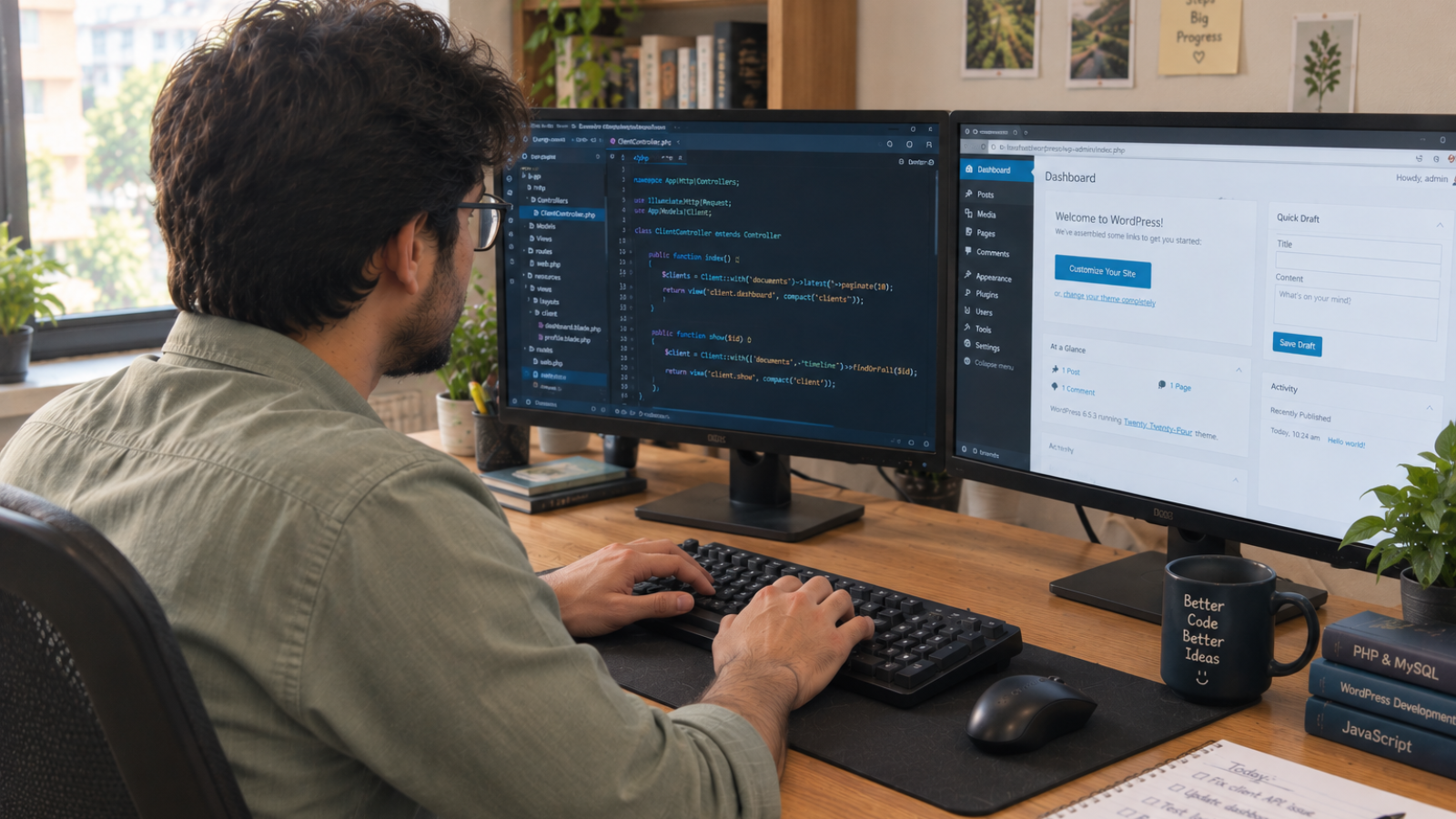
Developer pointing at code on screen during custom WordPress plugin development for a client project

Custom WordPress Plugin Development: When You Actually Need One

Custom WordPress plugin development makes sense when no combination of existing plugins can do what your business actually needs, or when stacking five plugins together would slow your site down and create update conflicts. For a single missing feature, a well-reviewed free or premium plugin is almost always cheaper and faster.

Most people ask the wrong first question. They ask “how much does custom WordPress plugin development cost?” before asking “do I even need one?” I ask that second question with every client who brings me a plugin request, because the honest answer is often no — and telling them that builds more trust than taking the job.

This guide walks through how to tell the difference, what custom plugin work actually costs in 2026, and the build-versus-buy framework I use before writing a single line of code.

What Counts as “Custom” Plugin Development?

A custom plugin is code written specifically for your business logic — not a general-purpose tool configured to sort-of fit. It might connect your booking system to a niche CRM, enforce a pricing rule no commercial plugin supports, or build an internal approval workflow inside your WordPress dashboard.

That’s different from installing and configuring an existing plugin, even a heavily customized one. WordPress.org’s own developer documentation describes plugins as extensions that add the desired functionality to a WordPress website — custom development just means writing that extension yourself instead of downloading it. Wpwebelite

When You Actually Need Custom WordPress Plugin Development

I look for three signals before recommending custom code over an off-the-shelf plugin.

Nothing in the repository does what you need. WordPress.org hosts tens of thousands of free plugins, and premium marketplaces add thousands more. If you’ve searched and tested three or four candidates and none fit, that’s a real signal — not just impatience.

You’re stacking plugins to fake one feature. I’ve seen sites running four separate plugins just to replicate what one custom plugin could do cleanly. Every extra plugin is another update cycle, another conflict risk, and another thing that can break your site.

The workflow is genuinely unique to your business. A custom approval process, an unusual pricing model, or a proprietary integration rarely has a matching off-the-shelf solution. That’s where custom development earns its cost back fastest.

If none of these apply, save your money. A $99-a-year form plugin almost always beats spending thousands rebuilding what already works well.

What Does Custom WordPress Plugin Development Cost in 2026?

Pricing depends almost entirely on scope, not on the words you use to describe the feature. Based on current market data, here’s a realistic breakdown by complexity:

  • Simple plugin (a shortcode, a settings panel, a small automation): $500–$2,000, roughly 15–40 development hours
  • Medium-complexity plugin (custom post types, an admin UI, a CRM sync): $2,000–$8,000
  • Complex plugin (WooCommerce extensions, multi-role permissions, external API integrations): $10,000–$30,000+

According to a 2026 industry cost breakdown, custom WordPress plugin development costs between $500 and $20,000+, with most business plugins landing between $1,500 and $6,000, and pricing is driven almost entirely by development hours rather than the feature description itself. Web Help Agency

Here’s the part that catches clients off guard: the quote gap between developers isn’t usually dishonesty. It’s scope. “Sync orders to my CRM” can mean 15 hours or 400, depending on how many edge cases and failure states hide inside that one sentence. If your brief is vague, expect a wide quote range — and expect the vaguer quote to be the riskier one to accept. For a rough starting number before you request quotes, run your project through my website cost calculator.

Build vs. Buy: The Framework I Actually Use

This is the checklist I walk clients through before quoting anything.

  1. Search first. Spend 20 minutes checking the official WordPress plugin directory and one premium marketplace. Most “unique” needs aren’t as unique as they feel.
  2. Test the closest match. Install the best candidate on a staging site. Note exactly what it’s missing — that gap becomes your actual custom scope, not the whole feature.
  3. Calculate the three-year cost, not the sticker price. A $249/year premium plugin costs roughly $750 over three years. If custom development quotes come in under that with less risk, custom wins. If not, buy.
  4. Ask what happens when WordPress updates. A custom plugin needs someone maintaining compatibility with every major WordPress release. Factor that ongoing cost in before you commit, not after.
  5. Only then, scope the custom build. Write down the exact actions, user roles, and data involved. The more specific your brief, the tighter your quotes will land.

Most generic articles stop at “compare the cost.” What they miss is step 4 — plugin maintenance isn’t optional, and it’s where I see clients get burned after launch. I’ve written more broadly about this kind of long-term ownership gap in lessons from building small business WordPress sites, where scope and maintenance, not code quality, were the biggest failure points.

Performance: The Trade-off Nobody Mentions

More plugins, even good ones, add load. Every plugin queues its own scripts, styles, and database calls. A well-built custom plugin, scoped to exactly what you need, often loads faster than five general-purpose plugins stitched together to fake the same result.

That said, custom code isn’t automatically fast. Poorly written custom plugins can hurt Core Web Vitals just as badly as plugin bloat does. If performance matters to your business — and it should, since load speed affects both rankings and conversions — pair any plugin decision with a broader look at image and asset optimization too. Plugins are one piece of site speed, not the whole picture.

[INSERT: a real client example here — e.g., a specific project where you replaced multiple stacked plugins with one custom plugin, and what changed for that client]

Red Flags When Hiring for a Custom Plugin Project

  • A quote with no hour breakdown. If a developer can’t explain what’s eating the hours, the price is a guess dressed up as a number.
  • No mention of WordPress core update compatibility. Plugins that aren’t maintained against new WordPress releases eventually break.
  • No staging environment in the process. Testing a new plugin directly on your live site is asking for downtime.
  • A developer who never asks “have you tried an existing plugin first?” That question should come before the sales pitch, not after.

I build custom WordPress and WooCommerce functionality for businesses across the US, UK, and EU, and I say “you don’t need custom code for this” more often than clients expect. That’s not bad business — it’s what keeps them coming back when they actually do.

Frequently Asked Questions

How much does custom WordPress plugin development cost?
Simple custom plugins run $500–$2,000, medium-complexity plugins with admin interfaces or integrations run $2,000–$8,000, and complex plugins with external APIs or WooCommerce extensions run $10,000–$30,000 or more, depending on scope.

Do I need a custom plugin or can I just use an existing one?
Try an existing plugin first. If two or three well-reviewed options genuinely can’t cover your specific workflow, or you’re stacking multiple plugins to fake one feature, custom development becomes worth the cost.

How long does custom WordPress plugin development take?
A simple plugin typically takes 1–2 weeks. Medium-complexity plugins with custom post types or integrations usually take 3–5 weeks. Complex, multi-role plugins can take two months or more.

Will a custom plugin slow down my website?
Not if it’s well-built and scoped to exactly what you need. A single custom plugin often loads faster than several general-purpose plugins stacked together to replicate the same feature.

Who maintains a custom plugin after it’s built?
Whoever builds it should also outline a maintenance plan, since WordPress core updates several times a year and plugins need compatibility checks with each release. Confirm this before the project starts, not after launch.

Is custom plugin development worth it for a small business?
Only when the workflow is genuinely unique to your business or the alternative means stacking multiple unreliable plugins. For most small businesses, a premium plugin with good support is the more cost-effective choice.

Not Sure Which Path Fits Your Project?

If you’re weighing a custom plugin against an off-the-shelf fix, I’m happy to look at your specific case and give you a straight answer — even if that answer is “you don’t need custom code.” Message me on WhatsApp to talk it through.

Business owner pointing at a laptop while preparing to hire a freelance WordPress developer

How to Hire a Freelance WordPress Developer in 2026 (Complete Checklist)

To hire a freelance WordPress developer in 2026, check three things before you check price: a live portfolio you can click through, direct experience with your specific need (WooCommerce, custom theme, migration), and a written scope with milestones. Rates typically run $35–$175/hour depending on experience, so match the tier to your project’s actual complexity.

WordPress still runs a huge share of the web. W3Techs puts its market share at roughly 41–43% of all websites as of 2026, which is more than 41.9% of all websites on the internet, according to W3Techs technology surveys. That popularity is exactly why hiring gets confusing. Thousands of freelancers list themselves as “WordPress developers,” but their actual skill levels sit anywhere between “installed a theme once” and “built enterprise plugins for a decade.” HostingGuider

I build WordPress and WooCommerce sites for small businesses across the US, UK, and EU, and I’ve seen both sides of a bad hire — the client who got burned, and the freelancer who inherited a half-broken site to fix. This checklist is built from that experience, not a template.

Why Hiring a Freelance WordPress Developer Feels Riskier in 2026

The freedom that makes WordPress great — thousands of themes, 68,000+ free plugins in the official directory, endless customization — is the same thing that makes hiring hard. Anyone can spin up a WordPress site in an afternoon. Not everyone can build one that loads fast, survives a plugin update, or won’t need a rebuild in a year.

That’s why “do you know WordPress” is the wrong question. The right question is: has this person solved the specific problem you have? A developer who’s great at blog themes might struggle with a WooCommerce store that needs custom shipping logic. Specialization matters more than years of experience alone.

What Should a Freelance WordPress Developer Cost in 2026?

Rates vary widely, and that’s normal — not a red flag. Based on current market data across major freelance platforms, here’s roughly what you should expect:

  • Entry-level (0–2 years): $20–$50/hour — theme setup, plugin installs, small edits
  • Mid-level (2–5 years): $50–$100/hour — custom themes, WooCommerce builds, performance work
  • Senior (5+ years): $100–$175/hour — custom plugins, migrations, complex integrations
  • Agencies/white-label teams: $120–$200+/hour — you’re paying for a full team, not one person

For project-based pricing, a simple brochure site typically runs $500–$2,000, while a custom WooCommerce store can run $5,000–$20,000 depending on scope. If you want a number specific to your project instead of a general range, run it through my website cost calculator first — it takes two minutes and gives you a realistic ballpark before you start requesting quotes.

Here’s the nuance most pricing guides skip: a $150/hour senior developer who finishes your project in 15 hours often costs less than a $30/hour junior who needs 60 hours to get the same result — and produces messier code along the way. Don’t shop by hourly rate alone. Shop by total project cost and code quality.

The Complete Vetting Checklist

This is the part most “how to hire” articles gloss over. Here’s exactly what I’d check, in order.

1. Does Their Portfolio Show Live, Clickable Sites?

Screenshots aren’t proof. Ask for links to sites they actually built, and click through them yourself. Check load speed, mobile responsiveness, and whether the design still looks current. I’ve covered this in more depth in how to vet a developer’s portfolio, because this single step filters out most unqualified candidates fast.

2. Do They Have Experience With Your Specific Need?

“WordPress developer” is a broad label. Narrow it down:

  • Building a store? Ask for WooCommerce-specific examples, not just any WordPress site.
  • Migrating from another platform? Ask if they’ve done migrations before, since data loss risk is real.
  • Need custom functionality? Ask whether they write custom plugins or rely entirely on third-party ones from the WordPress.org plugin directory.

3. Can They Explain Their Process Without Jargon?

A developer who can walk you through their approach in plain language, before you’ve paid anything, is usually easier to work with long-term. If every answer sounds vague or overly technical, that’s often a communication gap you’ll feel again mid-project.

4. Do They Provide a Written Scope and Timeline?

Never start a project on a verbal agreement. A written scope should cover: what’s included, what’s excluded, number of revision rounds, and a rough timeline with milestones. This protects both sides — I insist on this with every client, because it prevents the classic “just one more small change” spiral.

5. What’s Their Plan for Updates and Security?

WordPress core, themes, and plugins need regular updates. Ask who’s responsible after launch, and whether they offer a maintenance retainer or a one-time handoff. If security isn’t part of the conversation, that’s worth flagging — you can run a free check yourself with my WordPress security checker once a site goes live, but ideally your developer builds security in from day one.

6. Do They Ask You Questions First?

This is the tell I trust most. A developer who jumps straight to a price quote without asking about your business, your customers, or your goals is optimizing for a fast close, not a good outcome. I always ask more questions than I answer in a first call — it’s how you avoid building the wrong thing quickly.

Freelancer vs. Agency: A Quick Decision Framework

I’ve written a broader comparison in how to hire a freelance web developer you can trust, but for WordPress specifically, here’s a simpler way to decide:

Choose a freelancer if…Choose an agency if…
You have one clear, defined projectYou need ongoing design, dev, and content together
Budget matters more than backup coverageYou need guaranteed availability at all times
You’re comfortable being the main point of contactYou want a project manager handling coordination

Most small businesses and startups I work with fall into the first column. A single freelancer with the right specialization is usually faster and cheaper than an agency, as long as the scope is clear from the start.

Red Flags I Tell Every Client to Watch For

  • No questions about your business before quoting a price. Good developers scope before they price.
  • Portfolio links that are broken, offline, or “coming soon.” That’s a sign the work either never went live or isn’t actually theirs.
  • Reluctance to put anything in writing. Verbal promises don’t hold up when something goes wrong.
  • Price that’s dramatically below market range. Someone quoting $10/hour for custom WooCommerce work is either inexperienced or planning to cut corners on security and code quality.
  • No mention of hosting, backups, or updates at all. A site that launches and is never touched again becomes a security liability fast.

[INSERT: a real client detail, number, or story here — e.g., a specific WordPress project where a client came to you after a bad freelancer experience, what went wrong, and how you fixed it]

Where to Actually Find One

You have a few realistic paths: freelance marketplaces (Upwork, Fiverr, Freelancer.com), direct outreach through LinkedIn or referrals, or WordPress-specific communities and job boards. Each has trade-offs — marketplaces are convenient but crowded with mismatched quality, while direct outreach takes longer but usually gets you better-vetted talent.

If you’re still unsure whether WordPress is even the right platform for your project, my platform finder quiz is a quick way to confirm before you spend time interviewing developers.

Frequently Asked Questions

How much does it cost to hire a freelance WordPress developer in 2026?
Rates typically range from $20/hour for entry-level work to $175/hour for senior specialists, with most experienced freelancers charging $50–$120/hour. Project-based pricing for a small business site usually falls between $2,000 and $8,000.

Is it better to hire a freelancer or an agency for WordPress?
A freelancer usually works better for a single, clearly scoped project on a tighter budget. An agency makes more sense if you need ongoing design, content, and development handled by one team with guaranteed backup coverage.

How long does it take to build a custom WordPress site?
A simple brochure site typically takes 2–4 weeks. A custom WooCommerce store with integrations usually takes 6–10 weeks, depending on how much custom functionality is involved and how quickly you provide content.

Should I pay a freelance WordPress developer hourly or by project?
Project-based pricing gives you cost certainty and works well for clearly defined scopes. Hourly pricing suits ongoing maintenance or projects where requirements might shift. Ask for a written scope either way.

What questions should I ask before hiring a WordPress developer?
Ask about their experience with your specific need (WooCommerce, migrations, custom plugins), their post-launch update and security plan, their revision policy, and whether they can share live examples of past work.

Do I need to know WordPress myself to manage a freelancer?
No, but understanding the basics — plugins, themes, the difference between core and custom code — helps you evaluate progress and ask better questions during the project.

Ready to Hire Someone Who Actually Asks the Right Questions?

If you’d rather skip the vetting process and just talk through your project directly, message me on WhatsApp. I’ll ask about your business first, not just quote a price. Start the conversation here.