
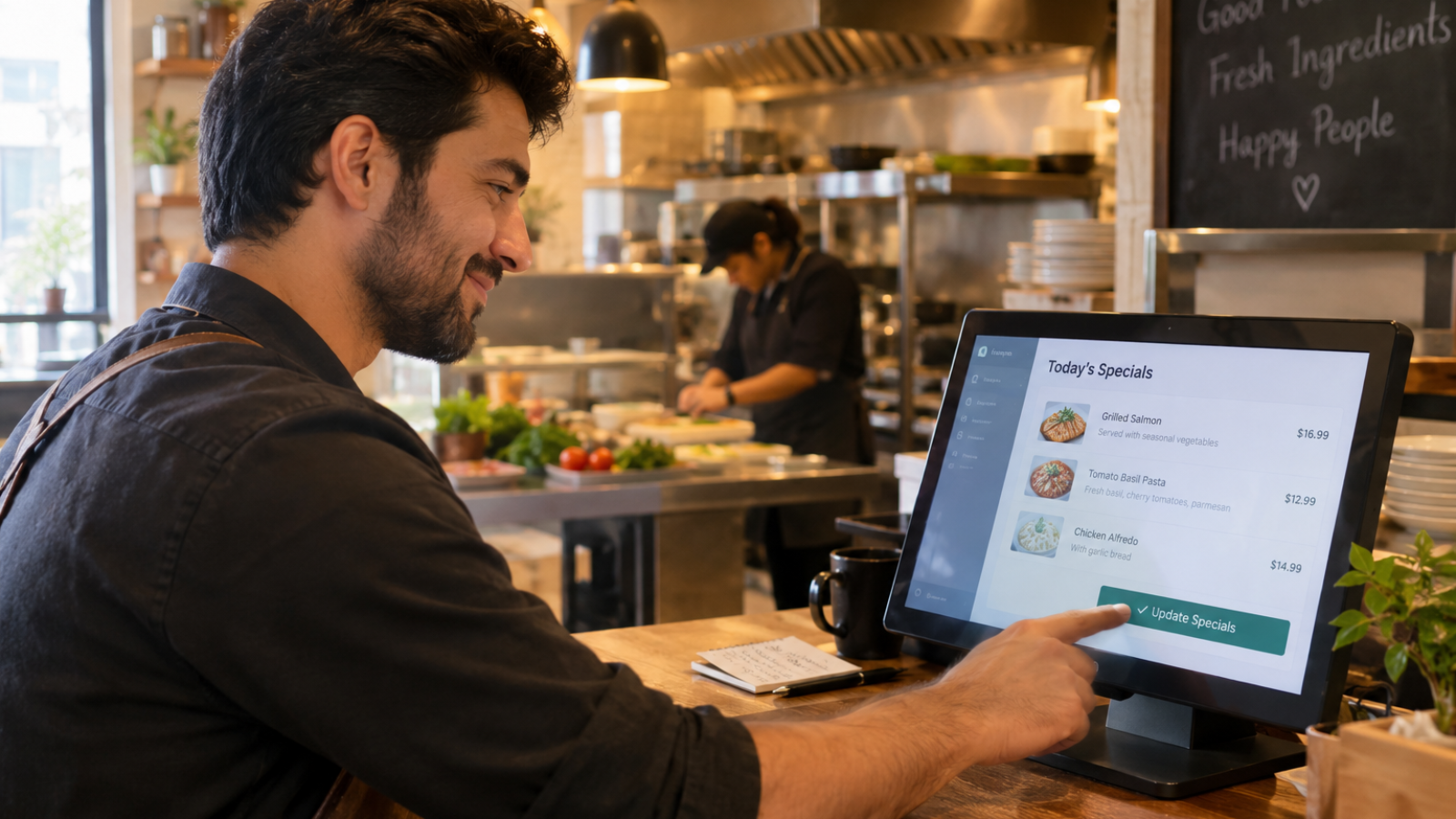
A custom WordPress dashboard for restaurant owners usually isn’t about a fancy redesign of wp-admin. It’s about hiding everything a busy owner doesn’t need to see, and surfacing the three or four things they update constantly — daily specials, hours, and menu prices — without a single confusing setting in sight.
Every restaurant client I’ve built one of these for asked for something different on paper, but they all wanted the same underlying thing: stop making me think about WordPress. That’s the real brief behind “custom dashboard,” even when the client doesn’t phrase it that way.
Here’s what clients actually ask for, what I actually build, and where I push back on requests that sound good but create more problems later.
Why Do Restaurant Owners Need a Custom Dashboard at All?
Standard WordPress admin is built for developers and content managers, not people running a kitchen at 6pm on a Friday. It’s cluttered with settings, menus, and options that mean nothing to someone whose job is food, staff, and customers.
That mismatch matters more than it seems. According to the National Restaurant Association’s 2026 State of the Restaurant Industry report, over half of operators are actively investing in back-office technology this year, specifically to reduce time spent on administrative tasks that pull attention away from running the business. A cluttered WordPress dashboard works against that goal entirely.
What Do Clients Actually Ask For?
Here’s the pattern I see across almost every restaurant project, regardless of cuisine or size.
“I want to update the menu myself.” This is the most common request, and it’s usually the easiest to solve well. Owners don’t want to learn WordPress; they want a simple form where they type in a dish name, price, and description, and it appears on the live site.
“I don’t want my staff seeing everything.” Once more than one person touches the site, owners want to limit what staff members can access. A part-time social media hire shouldn’t have access to plugin settings or payment configuration.
“Can I see today’s reservations without logging into three different systems?” This one comes up more than people expect. Owners are often juggling a booking platform, a POS system, and WordPress separately, and just want one place to glance at.
What I Actually Build, and Why It’s Simpler Than It Sounds
Most “custom dashboard” requests don’t need a from-scratch admin rebuild. They need the default WordPress admin trimmed down and reorganized around what one specific person actually does.
Here’s my usual approach:
- Custom post types for menu items, so updating a dish feels like filling out a simple form, not editing raw content
- Restricted user roles, built on WordPress’s own capabilities system, so staff see only the sections relevant to their job
- A simplified admin menu, hiding plugin settings, theme options, and anything the owner will never need to touch
- A dashboard widget summary, pulling key info (recent bookings, low-stock alerts, pending orders) onto one screen instead of scattered across plugins
WordPress’s own developer documentation on roles and capabilities explains exactly how this restriction works under the hood — it’s a built-in system, not something requiring a rebuild from scratch. That’s worth knowing if a developer quotes you for a fully custom user-permission system when the standard WordPress framework already handles most of it.
Where This Overlaps With Custom Plugin Work
Some of what clients ask for genuinely needs custom code — a reservation summary pulling from a booking platform’s API, for example, or a specific report format an owner wants on login. That’s where this crosses into custom plugin development, and it’s worth knowing the difference before you request a quote, since “simplify my dashboard” and “build me a custom reporting integration” are very different scopes.
I always separate these two conversations with clients early. Simplifying the existing admin experience is usually quick and inexpensive. Pulling live data from external systems into a custom dashboard view is a bigger, more technical project.
The Mistake I See Other Developers Make Here
This is where I push back on a common approach. Some developers build restaurant clients an entirely separate custom admin panel, completely disconnected from standard WordPress admin. It looks impressive in a demo. It’s also a long-term trap.
Here’s why: the moment that developer isn’t available, the owner is stuck with a bespoke system nobody else can maintain or extend. Standard WordPress admin, even heavily customized, still follows patterns any competent WordPress developer can pick up. A fully custom, disconnected panel doesn’t. I’d rather build something 90% as polished that any future developer can actually support, than something flashier that locks a client into one person indefinitely.
[INSERT: a real client example here — e.g., a specific restaurant dashboard you built, what the owner originally asked for versus what you actually delivered, and why]
A Decision Checklist Before You Request One
Ask yourself these before hiring someone for a custom dashboard:
- What do I personally update most often? That’s what should be front and center, not buried three clicks deep.
- Who else needs access, and to what specifically? Vague answers here lead to either overexposed staff accounts or endless back-and-forth during development.
- Am I asking for a simplified view, or new functionality? These cost very differently, and knowing which one you need shapes your budget conversation.
- Will I still understand this dashboard in six months without help? If a proposed design sounds impressive but hard to explain simply, that’s worth questioning before you commit.
Should You Build This Yourself or Hire a Developer?
Basic admin simplification — hiding menu items, adjusting user roles — is achievable with well-reviewed plugins if you’re comfortable experimenting. Custom post types for menus and any integration pulling data from external booking or POS systems usually need a developer, since mistakes here can break how content displays on your live site.
If you’re planning a broader site refresh alongside this — a new restaurant theme plus a simplified dashboard — bundling both into one project is usually more cost-effective than tackling them separately. My website cost calculator gives you a realistic starting estimate for either approach.
Frequently Asked Questions
What is a custom WordPress dashboard for a restaurant?
It’s a simplified version of the standard WordPress admin area, built around exactly what a restaurant owner needs to update — usually the menu, hours, and specials — with everything else hidden from view.
Do I need custom code to simplify my WordPress dashboard?
Not always. Many simplifications, like restricting menus and hiding unused settings, use WordPress’s built-in roles and capabilities system rather than requiring custom development from scratch.
Can staff have limited access to my restaurant’s WordPress dashboard?
Yes. WordPress’s role system allows you to create custom permission levels, so staff members only see the sections relevant to their job, such as menu updates, without access to site-wide settings.
How much does a custom WordPress dashboard cost for a restaurant?
Simple admin simplification typically costs $300–$1,500, while dashboards integrating live data from external booking or POS systems can range from $1,500 to $5,000 depending on complexity.
Should a restaurant dashboard replace standard WordPress admin entirely?
Generally no. Building on top of standard WordPress admin, rather than replacing it entirely, keeps the site maintainable by any future developer instead of locking you into one person.
Can a custom dashboard show reservations and orders in one place?
Yes, if your booking or ordering platform offers an API. This typically requires custom plugin development rather than basic dashboard simplification.
Want a Dashboard Built Around How You Actually Work?
If you’re tired of digging through cluttered WordPress menus just to update a daily special, message me on WhatsApp and let’s talk through what you actually need. Start the conversation here.