
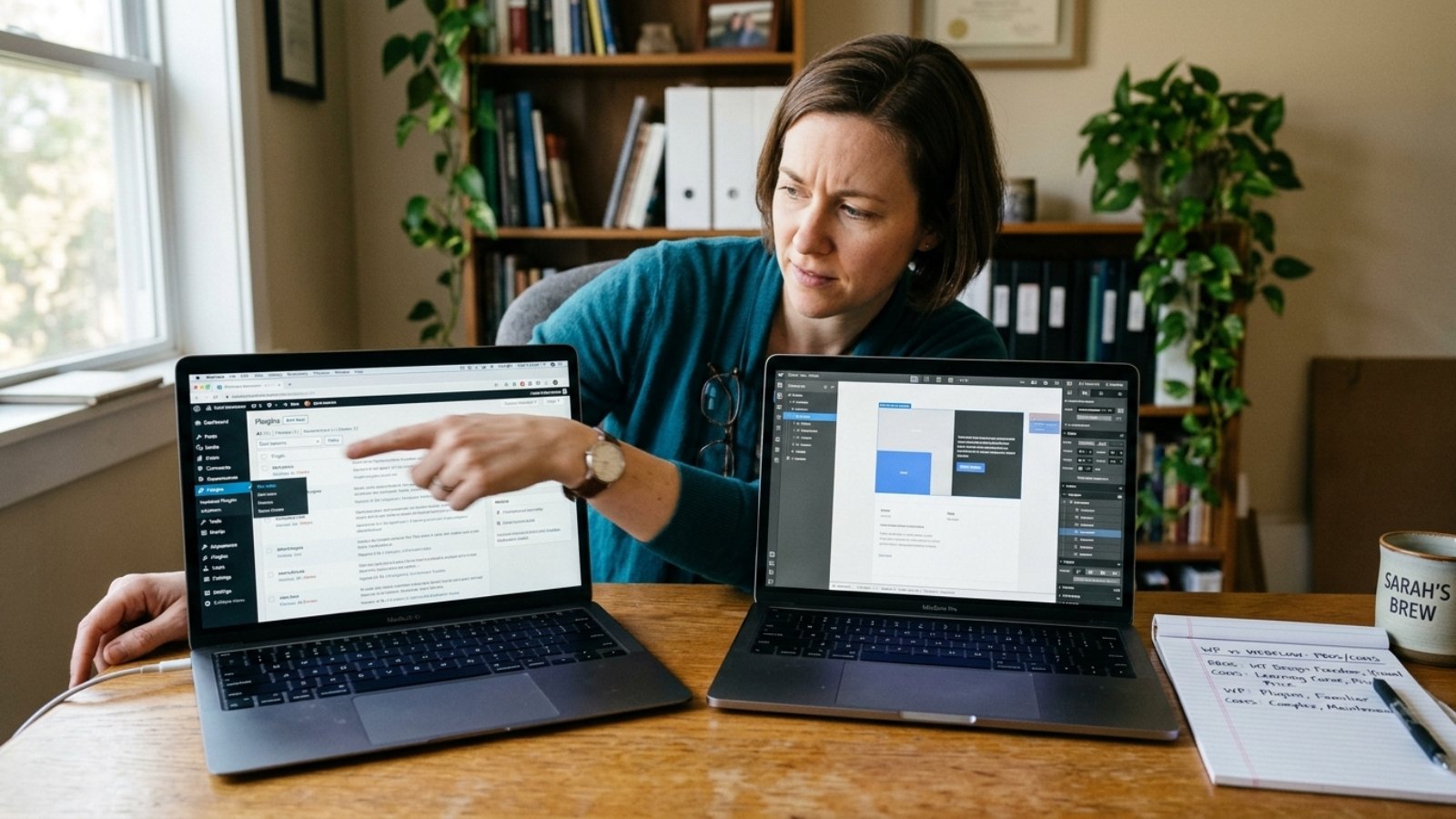
Quick answer: WordPress vs Webflow comes down to flexibility versus predictability. WordPress costs less upfront and scales further, but you own the maintenance. Webflow bundles hosting, security, and updates into one monthly fee, which usually costs more over time but saves you from ongoing technical management.
I get asked this comparison constantly, usually from someone who’s already spent an hour reading conflicting blog posts. Here’s the honest version, not the version written by someone selling one platform over the other.
The Core Difference You Actually Need to Understand
WordPress is open-source software you install on hosting you choose. That gives you total control, an enormous plugin ecosystem, and no platform lock-in. However, you’re also responsible for updates, security, and backups, unless you pay someone else to handle them.
Webflow is a hosted platform where design, hosting, and infrastructure come bundled together. You get predictable pricing and built-in security, but you’re building inside Webflow’s ecosystem specifically, with far fewer third-party plugins available compared to WordPress.
Neither approach is objectively better. They’re built for different priorities, and that’s exactly why this comparison keeps confusing people who expect a single clear winner.
What Do They Actually Cost in 2026?
Webflow’s paid plans run $14 to $39 a month for standard business use, according to Webflow’s official pricing page, with hosting, SSL, and backups included in that fee. A professional Webflow build for a small business typically costs $3,000 to $15,000 upfront.
WordPress itself is free, but that number is misleading on its own. Shared hosting runs $5 to $30 a month, while managed WordPress hosting runs $30 to $100 a month. Add premium themes, plugins, and a professional build, and total upfront cost typically lands between $2,000 and $8,000, similar to figures I’ve broken down in my small business website cost guide.
Here’s the part that changes the comparison entirely: over three years, a typical Webflow small business site often lands around $4,500 to $15,000 all-in, while a comparable WordPress site frequently reaches $8,000 to $40,000 once ongoing maintenance gets factored in. WordPress looks cheaper at launch. It doesn’t always stay that way.
When WordPress Actually Wins
WordPress remains the dominant CMS by a wide margin. According to W3Techs’ usage tracking, WordPress powers a substantial share of all websites globally, far more than any single competitor. That scale brings real advantages: more developers available, more plugins for nearly any function, and no risk of the platform disappearing or pivoting business models.
WordPress wins clearly for content-heavy sites, blogs publishing frequently, and businesses planning significant future growth or custom functionality. If you eventually need something highly specific, a custom booking system, a complex membership structure, a niche integration, WordPress’s plugin ecosystem almost always has a path forward. Webflow’s more closed ecosystem sometimes doesn’t.
WordPress also wins if you genuinely plan to manage the site yourself long-term and don’t mind learning the admin dashboard. Its interface, while not simple, has decades of tutorials and community support behind it.
When Webflow Actually Wins
Webflow wins clearly for design-first businesses where visual polish and brand storytelling matter more than backend complexity. Its visual builder gives designers pixel-level control that WordPress themes rarely match without custom development.
It also wins for businesses that want to avoid technical management entirely. No plugin updates to track, no security patches to apply, no separate hosting bill to manage. That predictability has real value if you’d rather spend your time running your business than maintaining a website.
For marketing teams that need to launch landing pages quickly and independently, Webflow’s editor allows same-day publishing without developer involvement for routine changes. That speed advantage is real, and it’s one WordPress struggles to match without significant custom setup.
The Hidden Cost Most Comparisons Get Wrong
Here’s my honest opinion after building on both platforms: most “WordPress vs Webflow” comparisons undersell WordPress’s true long-term cost. The free software narrative hides developer time for plugin updates, security patches, and compatibility testing after WordPress core updates, costs that rarely show up in a simple pricing chart.
That doesn’t make Webflow automatically the better choice. It means the comparison isn’t really “free versus paid.” It’s “pay upfront and maintain it yourself versus pay monthly and let someone else maintain it.” Frame the decision that way, and it becomes much easier to answer honestly for your specific situation.
If you’re weighing a WordPress build and want realistic numbers on developer costs specifically, my WordPress developer cost breakdown covers current 2026 rates in detail.
Does the Platform Choice Affect SEO?
Both platforms can rank well when built properly. Neither one has an inherent SEO advantage baked into the platform itself. Execution, content quality, site structure, and technical health matter far more than which CMS powers the site underneath.
That said, WordPress’s plugin ecosystem gives you more granular SEO control if you want it, while Webflow’s built-in performance and clean code output can mean less optimization work needed out of the box. Neither difference is large enough to be the deciding factor on its own.
If you want a clear number for your specific project on either platform, the Free Website Cost Calculator gives you a realistic starting range in a couple of minutes.
Frequently Asked Questions
Is WordPress or Webflow cheaper for a small business?
WordPress usually costs less upfront, $2,000–$8,000 for a professional build, but Webflow’s bundled hosting and maintenance can make it cheaper over three years once WordPress’s ongoing maintenance costs are factored in.
Which platform is easier to manage without a developer?
Webflow is generally easier for non-technical owners, since hosting, security, and updates are handled automatically. WordPress requires more ongoing technical management unless you hire someone for maintenance.
Does Webflow rank as well as WordPress on Google?
Yes, both platforms can rank well when built properly. SEO success depends far more on content quality and site structure than which CMS powers the site.
Can Webflow handle complex custom functionality like WordPress can?
Not always as easily. WordPress’s plugin ecosystem is significantly larger, so highly specific or custom features often have more available solutions on WordPress than on Webflow.
Is WordPress still the most popular website platform in 2026?
Yes. WordPress remains the dominant content management system by a wide margin, according to W3Techs’ usage tracking across the web.
Should a growing business choose WordPress or Webflow?
It depends on growth type. Content-heavy or feature-heavy growth usually favors WordPress’s ecosystem, while design-focused, low-maintenance growth often favors Webflow’s simplicity.
Still Not Sure Which Platform Fits Your Business?
If you’re weighing WordPress against Webflow for your specific project, message me on WhatsApp and tell me what you’re building. I’ll give you a straight, platform-agnostic answer based on what actually fits your needs.