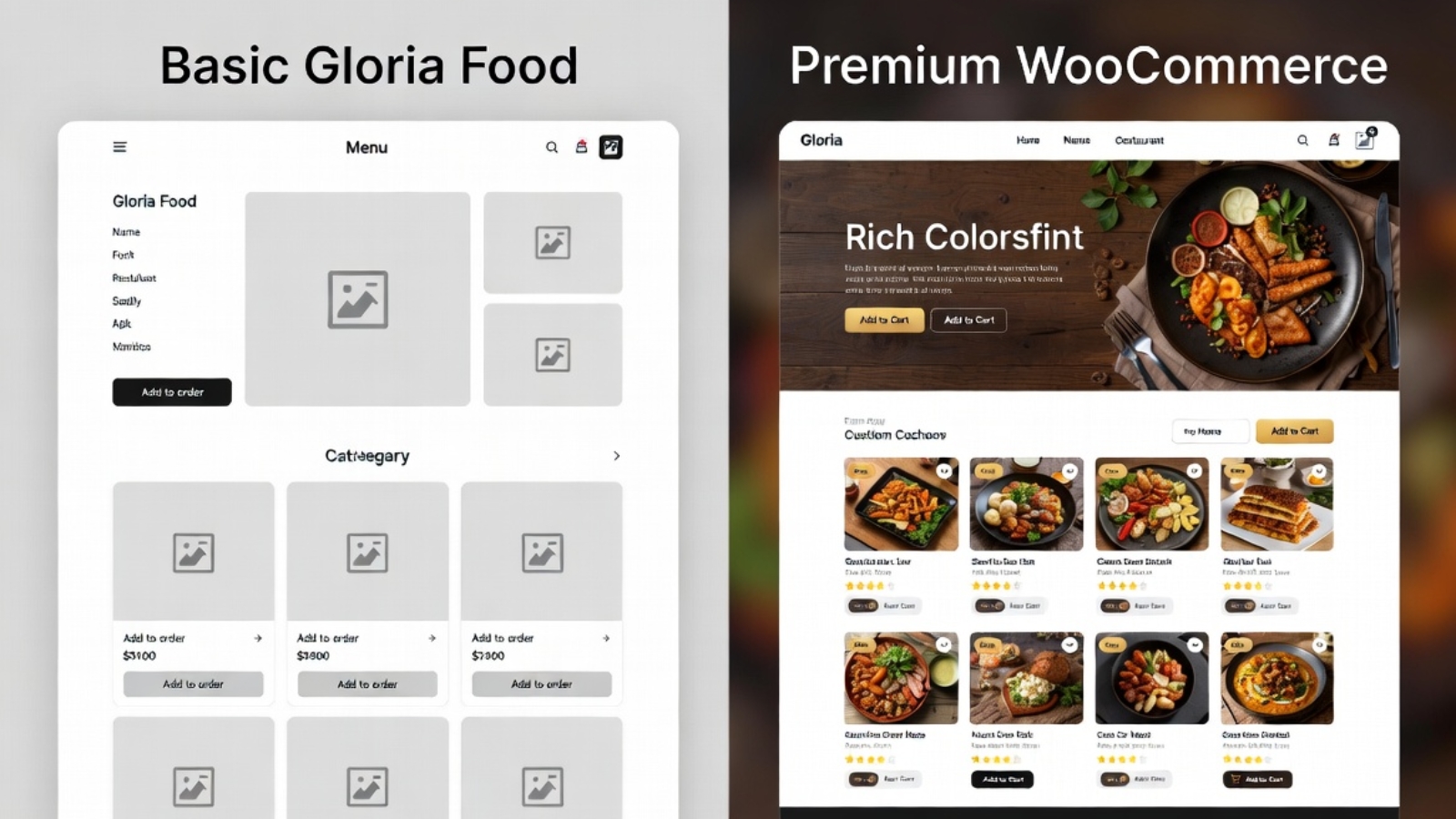
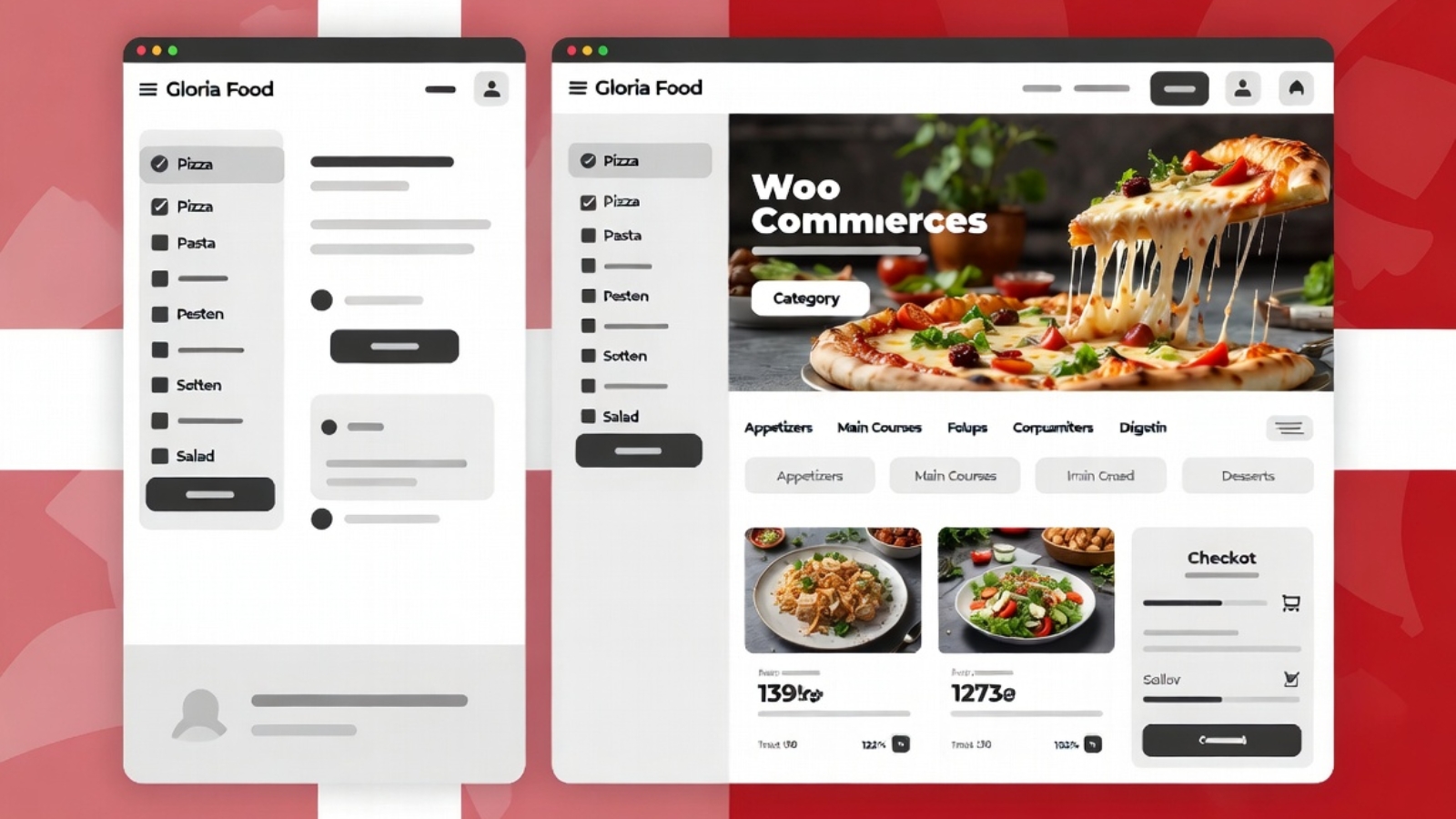
Most restaurant owners don’t think about their online ordering platform until something goes wrong — a feature disappears behind a paywall, the menu editor stops cooperating, or they realize they have no idea who their online customers actually are because all that data sits on someone else’s server.
That’s roughly where both of these clients were when they came to me. Two separate Danish restaurant businesses, both using Gloria Food, both running into different walls — and both wanting to move to WooCommerce for the same core reason: ownership. Their menu, their orders, their customer data, their platform. No middleman.
This post walks through how both migrations went, what was harder than expected, and what I’d do differently if I were starting today.
Client 1 — Express Pizzeria
Express Pizzeria is a fast food restaurant in Denmark that had been on Gloria Food for a couple of years. The platform had worked well enough early on, but by the time they contacted me, the ordering experience felt dated, they had no control over the checkout flow, and they were paying platform fees they didn’t think were justified.
The menu was reasonably sized — around 40 items across six categories — but had a number of items with size options (small, medium, large) and optional add-ons (extra toppings, sauces) that needed to carry over accurately into WooCommerce’s variant system.
The domain situation
Their domain was registered at Punkt.um, a Danish domain registrar with a fairly specific DNS management interface. This turned out to be one of the more time-consuming parts of the project — not technically complex, but requiring careful navigation of a Danish-language admin panel to locate the correct DNS zone settings and update the A records pointing to the new WordPress hosting.
⚠️ Watch Out: Punkt.um’s DNS propagation can take up to 48 hours — longer than many registrars. If you’re managing a restaurant migration on a tight timeline, build this into your schedule and warn the client early. Don’t promise a Monday launch if DNS changes go in on Sunday.
The migration process
I kept Gloria Food live throughout the entire build — the restaurant was still taking orders through it every day, and there was no acceptable window to go dark. The WooCommerce build happened entirely in parallel on a staging URL, only going live once it passed a full end-to-end test including a real test order through Stripe.
Menu rebuild in WooCommerce:
- Each menu category became a WooCommerce product category
- Size options (small, medium, large) became WooCommerce variable products with price-per-variation
- Add-ons (extra toppings) were handled with the WooCommerce Product Add-Ons plugin, which lets customers check optional extras during ordering with a per-item price
- Photos were sourced from the client’s existing Gloria Food menu where available, resized, converted to WebP, and uploaded to the WordPress media library
Payment setup for Danish customers
Standard Stripe handled card payments. MobilePay was the critical addition — in Denmark, a large proportion of customers pay with MobilePay as their first preference, and a restaurant ordering site without it loses a real segment of potential orders. The MobilePay WooCommerce plugin connects to MobilePay’s business API and requires completing business verification on the MobilePay side before processing live payments.
✅ Pro Tip: Start the MobilePay business verification process as early as possible in the project — it requires documentation review on their end which can take several business days. Don’t leave it until the week of launch.
Ordering configuration
Standard WooCommerce is built around physical product shipping, not food delivery. I installed Orderable — a WooCommerce extension specifically built for restaurants — to add:
- Time slot selection (customers pick a delivery or pickup window)
- ASAP ordering toggle for immediate delivery
- Minimum order value for delivery
- Opening hours enforcement so orders can’t be placed when the restaurant is closed
The DNS switch
Once the WooCommerce site was fully built, tested, and approved by the client, I updated the A records at Punkt.um to point to the new hosting. Gloria Food was left live during propagation — since it was still answering to the old IP, any customer who hadn’t yet received the DNS update would still reach the old ordering page, meaning zero orders were lost during the transition.
After 36 hours of propagation (Punkt.um was on the longer end), the WordPress site was fully live. Gloria Food was then closed out.
Client 2 — Café au Lait
The second migration was a different scenario. Café au Lait was a café rather than a fast food restaurant — smaller menu, lower order volume, but a client who also had a broader website maintenance arrangement with me that had surfaced a separate problem.
During routine maintenance I discovered the site had been running a nulled (pirated) copy of Elementor Pro. This was a significant security issue — nulled plugins are a common vector for malware injection and were actively preventing the site from receiving legitimate security updates. The Gloria Food migration became one part of a broader project that also included replacing the nulled plugin with a properly licensed version and doing a full security audit of the site.
⚠️ Watch Out: If you’re taking over maintenance of a WordPress site from someone else, always check the plugin list for unlicensed premium plugins immediately. A single nulled plugin can expose the entire site to compromise, and the client often doesn’t know it’s there — the previous developer may have installed it without telling anyone.
Menu differences
Café au Lait’s menu was smaller and simpler than Express Pizzeria’s — mostly fixed-price items without complex variants. This made the WooCommerce product setup significantly faster. The main complexity was the bilingual nature of some content and ensuring the ordering categories reflected how the café actually organized its menu rather than defaulting to generic WooCommerce category naming.
The DNS situation
Same Punkt.um registrar as the first client, which meant the same 36–48 hour propagation window to manage. By this point I’d already learned to set DNS update expectations with the client upfront rather than promising a same-day launch.
What Was the Same in Both Migrations
Looking across both projects, a few things were consistently true:
Gloria Food data doesn’t export cleanly. There’s no official export tool that spits out a WooCommerce-compatible product CSV. Every item had to be rebuilt manually in WooCommerce — which is time-consuming but also an opportunity, because it forced a review of whether every item on the old menu still belonged on the new one. Both clients ended up trimming and reorganizing their menus slightly during the rebuild, which they saw as a side benefit.
Clients underestimate how many items have variants. Both clients initially described their menus as “simple” and were surprised by how many items had size options, add-ons, or pricing tiers once we actually went through everything. This is worth factoring into any quote for a restaurant migration — “simple menu” rarely means simple product setup.
MobilePay verification took longer than expected. In both cases, the MobilePay business API verification added days to the timeline that weren’t originally accounted for. This is now the first thing I kick off in any Danish restaurant project, before touching any code.
Parallel operation during migration is non-negotiable. Neither restaurant could afford even a few hours without an ordering system. Running both platforms simultaneously until after DNS propagation was confirmed is not optional — it’s the only responsible approach.
What Changed After Migration
Both restaurants gained things that Gloria Food simply doesn’t offer:
- Full ownership of their customer order history, which lives in their WooCommerce database — not on a third-party server
- The ability to run WooCommerce-native promotions (discount codes, percentage-off sales, free delivery above a threshold)
- A real website, not just a Gloria Food ordering subdomain — with proper SEO, their own domain on their own hosting, and the ability to add pages, blog posts, and content over time
- No ongoing platform commission on orders beyond standard payment gateway fees
What I’d Do Differently
If I were starting either of these migrations today:
- Kick off MobilePay verification on day one, not day five
- Budget more time for the menu variant audit — assume more complexity than the client describes
- Set explicit DNS timing expectations with the client before starting rather than managing surprises later
- Create a shared checklist the client can sign off on before any DNS switch, so there’s no ambiguity about what “ready to go live” means
If you’re a restaurant owner currently on Gloria Food and thinking about making the switch, or a developer taking on a similar project, Contact me — I’m happy to talk through what the process would look like for your specific setup.