
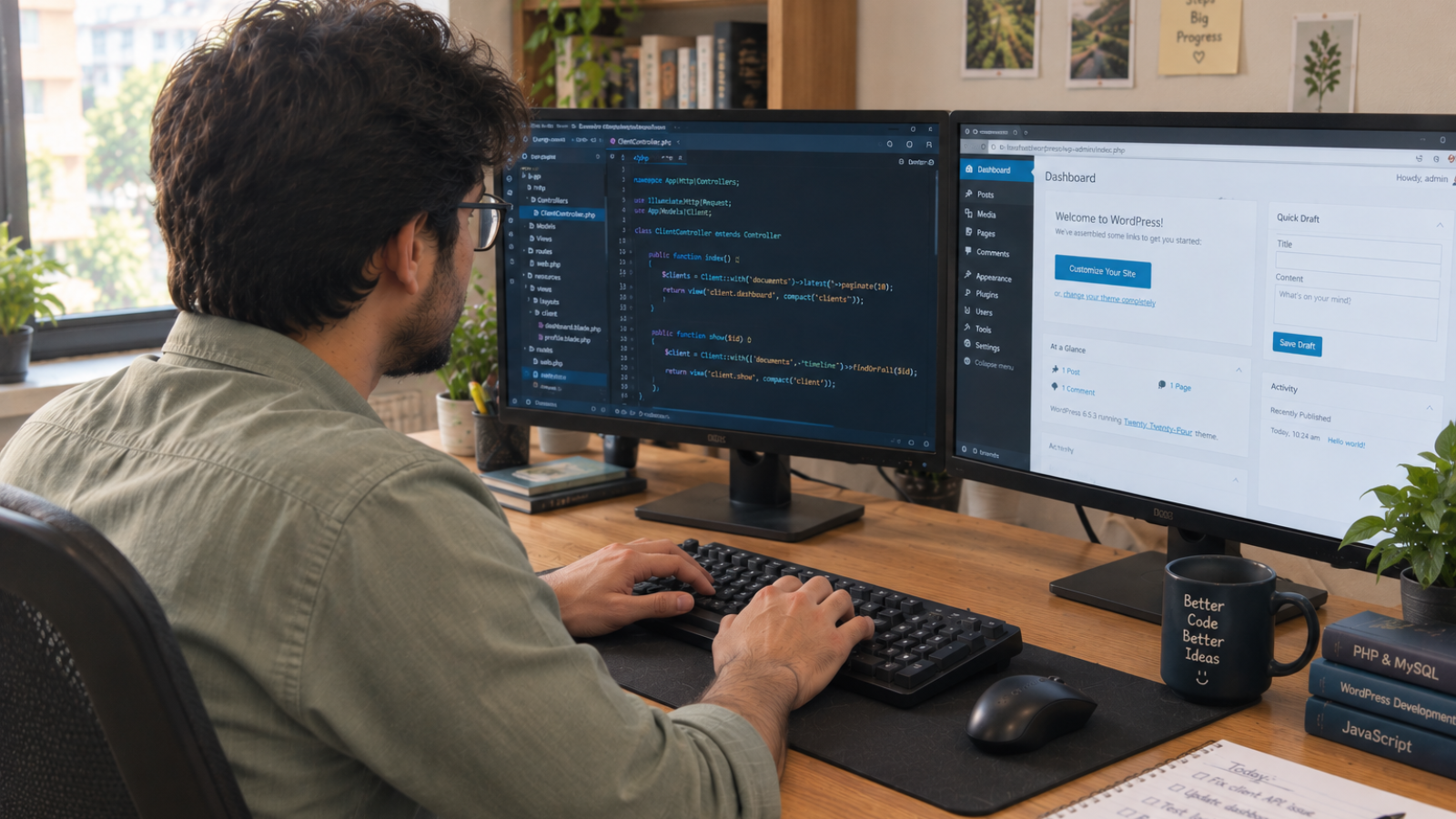
Custom WordPress plugin development makes sense when no combination of existing plugins can do what your business actually needs, or when stacking five plugins together would slow your site down and create update conflicts. For a single missing feature, a well-reviewed free or premium plugin is almost always cheaper and faster.
Most people ask the wrong first question. They ask “how much does custom WordPress plugin development cost?” before asking “do I even need one?” I ask that second question with every client who brings me a plugin request, because the honest answer is often no — and telling them that builds more trust than taking the job.
This guide walks through how to tell the difference, what custom plugin work actually costs in 2026, and the build-versus-buy framework I use before writing a single line of code.
What Counts as “Custom” Plugin Development?
A custom plugin is code written specifically for your business logic — not a general-purpose tool configured to sort-of fit. It might connect your booking system to a niche CRM, enforce a pricing rule no commercial plugin supports, or build an internal approval workflow inside your WordPress dashboard.
That’s different from installing and configuring an existing plugin, even a heavily customized one. WordPress.org’s own developer documentation describes plugins as extensions that add the desired functionality to a WordPress website — custom development just means writing that extension yourself instead of downloading it. Wpwebelite
When You Actually Need Custom WordPress Plugin Development
I look for three signals before recommending custom code over an off-the-shelf plugin.
Nothing in the repository does what you need. WordPress.org hosts tens of thousands of free plugins, and premium marketplaces add thousands more. If you’ve searched and tested three or four candidates and none fit, that’s a real signal — not just impatience.
You’re stacking plugins to fake one feature. I’ve seen sites running four separate plugins just to replicate what one custom plugin could do cleanly. Every extra plugin is another update cycle, another conflict risk, and another thing that can break your site.
The workflow is genuinely unique to your business. A custom approval process, an unusual pricing model, or a proprietary integration rarely has a matching off-the-shelf solution. That’s where custom development earns its cost back fastest.
If none of these apply, save your money. A $99-a-year form plugin almost always beats spending thousands rebuilding what already works well.
What Does Custom WordPress Plugin Development Cost in 2026?
Pricing depends almost entirely on scope, not on the words you use to describe the feature. Based on current market data, here’s a realistic breakdown by complexity:
- Simple plugin (a shortcode, a settings panel, a small automation): $500–$2,000, roughly 15–40 development hours
- Medium-complexity plugin (custom post types, an admin UI, a CRM sync): $2,000–$8,000
- Complex plugin (WooCommerce extensions, multi-role permissions, external API integrations): $10,000–$30,000+
According to a 2026 industry cost breakdown, custom WordPress plugin development costs between $500 and $20,000+, with most business plugins landing between $1,500 and $6,000, and pricing is driven almost entirely by development hours rather than the feature description itself. Web Help Agency
Here’s the part that catches clients off guard: the quote gap between developers isn’t usually dishonesty. It’s scope. “Sync orders to my CRM” can mean 15 hours or 400, depending on how many edge cases and failure states hide inside that one sentence. If your brief is vague, expect a wide quote range — and expect the vaguer quote to be the riskier one to accept. For a rough starting number before you request quotes, run your project through my website cost calculator.
Build vs. Buy: The Framework I Actually Use
This is the checklist I walk clients through before quoting anything.
- Search first. Spend 20 minutes checking the official WordPress plugin directory and one premium marketplace. Most “unique” needs aren’t as unique as they feel.
- Test the closest match. Install the best candidate on a staging site. Note exactly what it’s missing — that gap becomes your actual custom scope, not the whole feature.
- Calculate the three-year cost, not the sticker price. A $249/year premium plugin costs roughly $750 over three years. If custom development quotes come in under that with less risk, custom wins. If not, buy.
- Ask what happens when WordPress updates. A custom plugin needs someone maintaining compatibility with every major WordPress release. Factor that ongoing cost in before you commit, not after.
- Only then, scope the custom build. Write down the exact actions, user roles, and data involved. The more specific your brief, the tighter your quotes will land.
Most generic articles stop at “compare the cost.” What they miss is step 4 — plugin maintenance isn’t optional, and it’s where I see clients get burned after launch. I’ve written more broadly about this kind of long-term ownership gap in lessons from building small business WordPress sites, where scope and maintenance, not code quality, were the biggest failure points.
Performance: The Trade-off Nobody Mentions
More plugins, even good ones, add load. Every plugin queues its own scripts, styles, and database calls. A well-built custom plugin, scoped to exactly what you need, often loads faster than five general-purpose plugins stitched together to fake the same result.
That said, custom code isn’t automatically fast. Poorly written custom plugins can hurt Core Web Vitals just as badly as plugin bloat does. If performance matters to your business — and it should, since load speed affects both rankings and conversions — pair any plugin decision with a broader look at image and asset optimization too. Plugins are one piece of site speed, not the whole picture.
[INSERT: a real client example here — e.g., a specific project where you replaced multiple stacked plugins with one custom plugin, and what changed for that client]
Red Flags When Hiring for a Custom Plugin Project
- A quote with no hour breakdown. If a developer can’t explain what’s eating the hours, the price is a guess dressed up as a number.
- No mention of WordPress core update compatibility. Plugins that aren’t maintained against new WordPress releases eventually break.
- No staging environment in the process. Testing a new plugin directly on your live site is asking for downtime.
- A developer who never asks “have you tried an existing plugin first?” That question should come before the sales pitch, not after.
I build custom WordPress and WooCommerce functionality for businesses across the US, UK, and EU, and I say “you don’t need custom code for this” more often than clients expect. That’s not bad business — it’s what keeps them coming back when they actually do.
Frequently Asked Questions
How much does custom WordPress plugin development cost?
Simple custom plugins run $500–$2,000, medium-complexity plugins with admin interfaces or integrations run $2,000–$8,000, and complex plugins with external APIs or WooCommerce extensions run $10,000–$30,000 or more, depending on scope.
Do I need a custom plugin or can I just use an existing one?
Try an existing plugin first. If two or three well-reviewed options genuinely can’t cover your specific workflow, or you’re stacking multiple plugins to fake one feature, custom development becomes worth the cost.
How long does custom WordPress plugin development take?
A simple plugin typically takes 1–2 weeks. Medium-complexity plugins with custom post types or integrations usually take 3–5 weeks. Complex, multi-role plugins can take two months or more.
Will a custom plugin slow down my website?
Not if it’s well-built and scoped to exactly what you need. A single custom plugin often loads faster than several general-purpose plugins stacked together to replicate the same feature.
Who maintains a custom plugin after it’s built?
Whoever builds it should also outline a maintenance plan, since WordPress core updates several times a year and plugins need compatibility checks with each release. Confirm this before the project starts, not after launch.
Is custom plugin development worth it for a small business?
Only when the workflow is genuinely unique to your business or the alternative means stacking multiple unreliable plugins. For most small businesses, a premium plugin with good support is the more cost-effective choice.
Not Sure Which Path Fits Your Project?
If you’re weighing a custom plugin against an off-the-shelf fix, I’m happy to look at your specific case and give you a straight answer — even if that answer is “you don’t need custom code.” Message me on WhatsApp to talk it through.